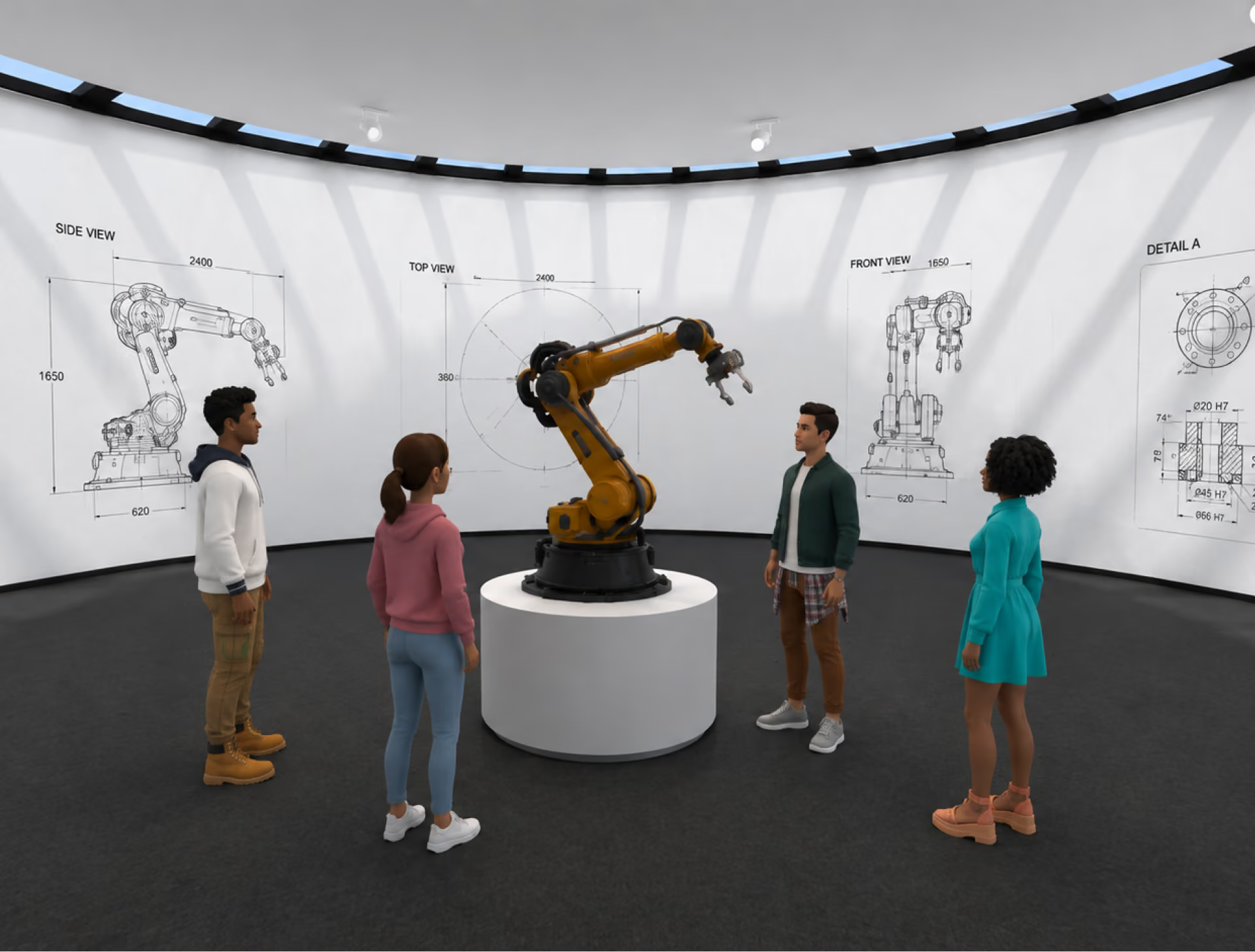
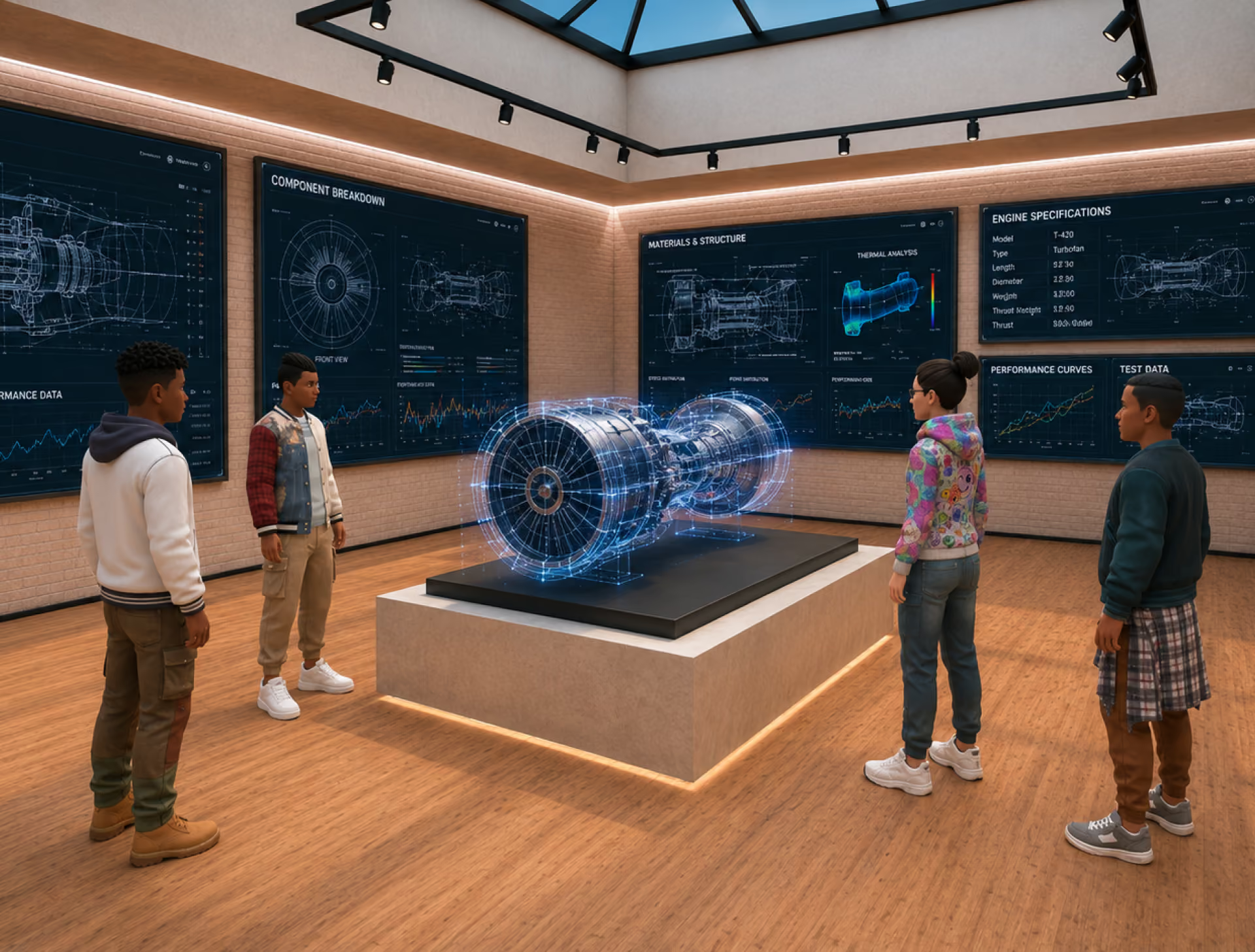
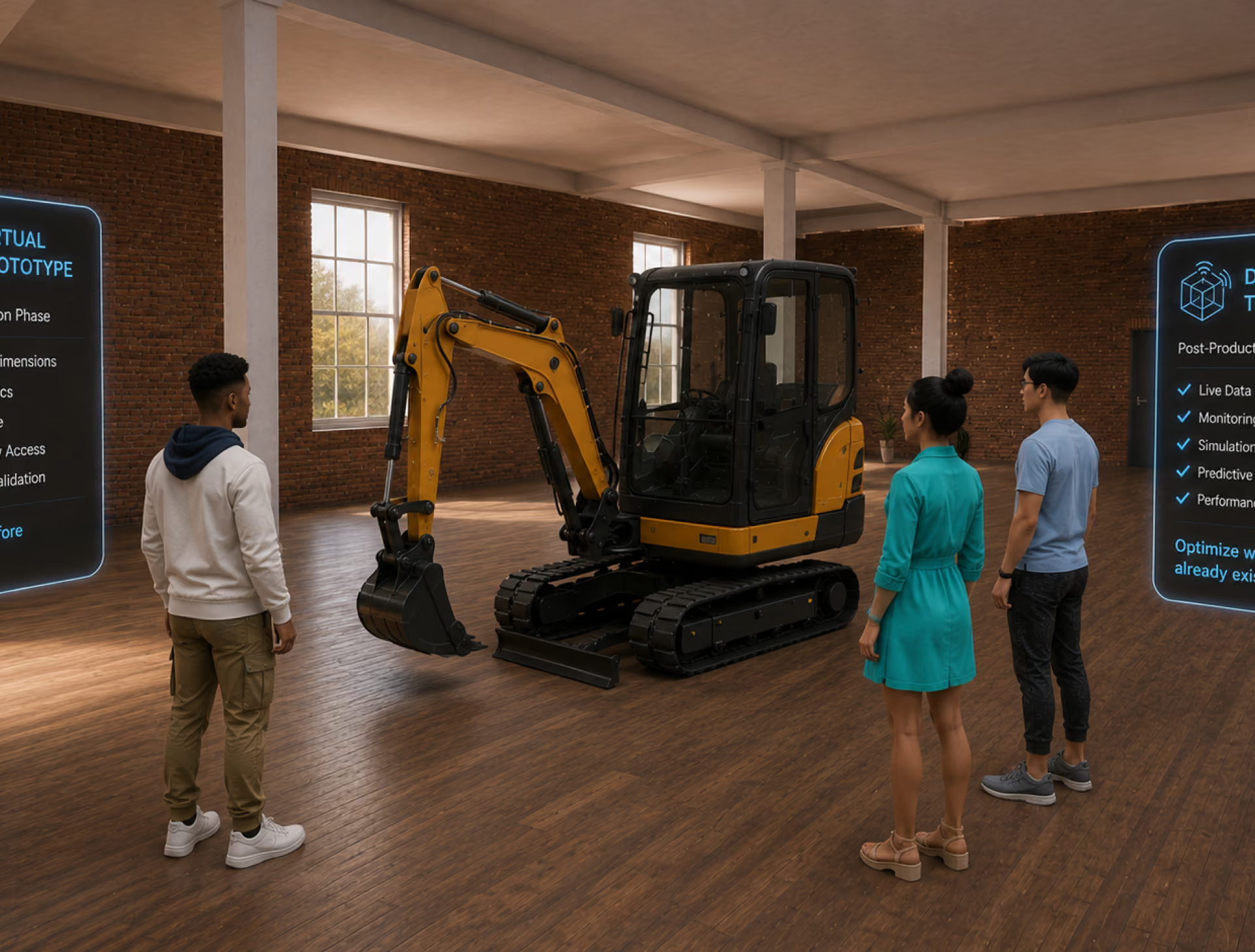
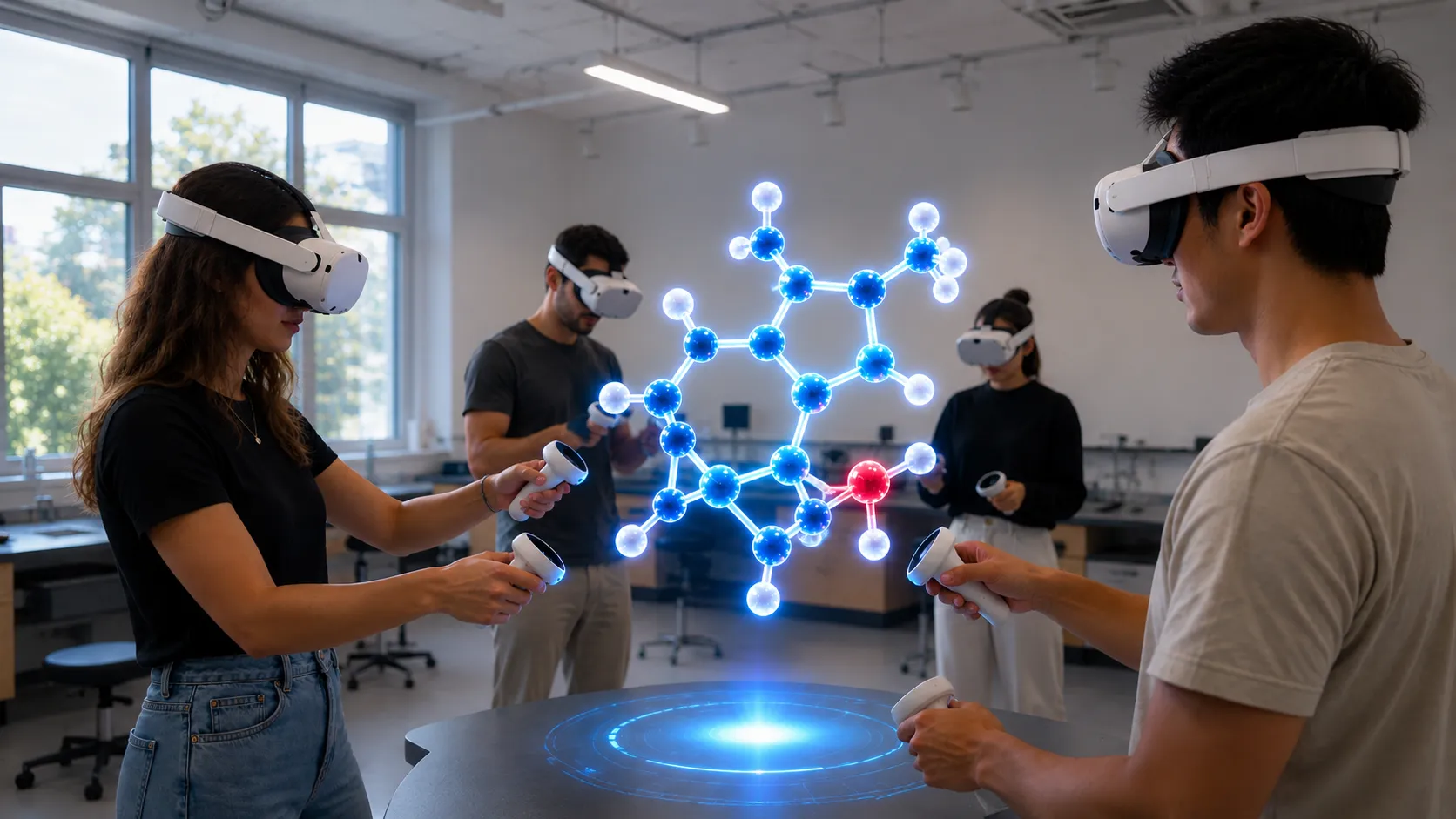
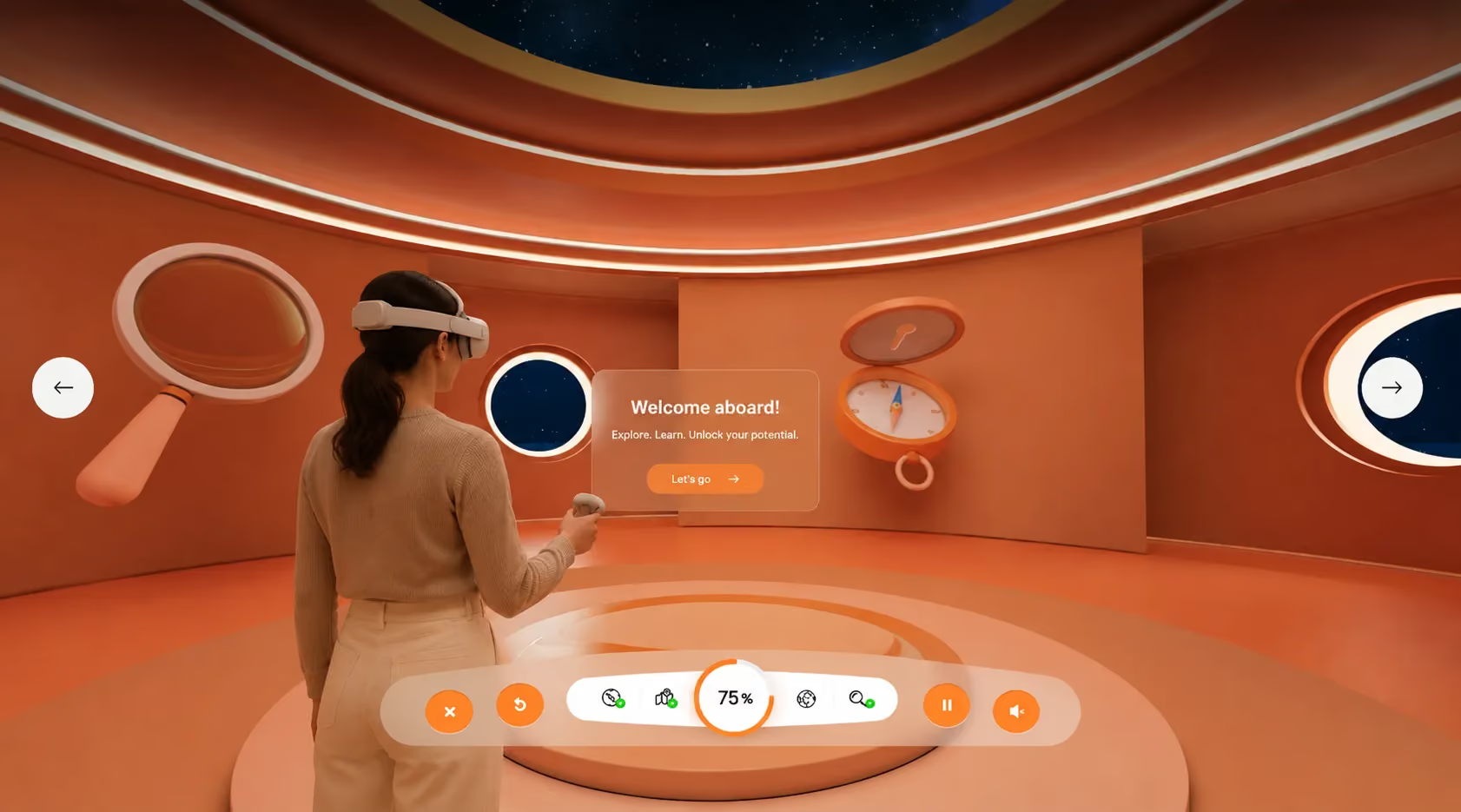
Virtual Prototyping and Design Reviews at True Scale
Import your 3D models, walk them with your team, and make engineering decisions in a shared space — from any browser, on any continent.
The Industrial Metaverse, Minus the Enterprise Sales Cycle
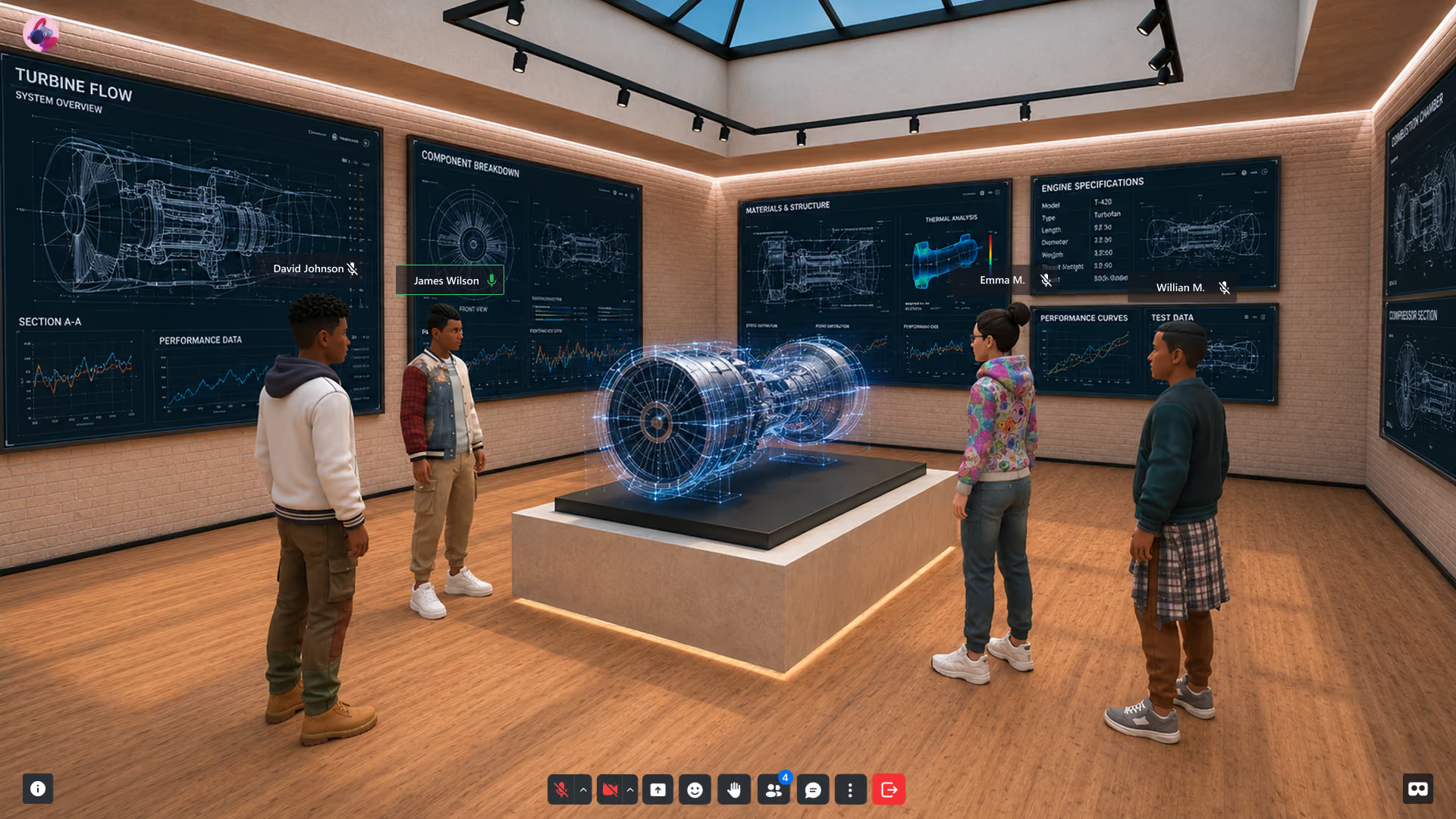
Distributed engineering teams review 3D work on 2D screens — and misjudge scale, clearance, and ergonomics until the physical prototype exposes it. Reviewing at true scale in a shared virtual space catches those errors while they're still cheap.
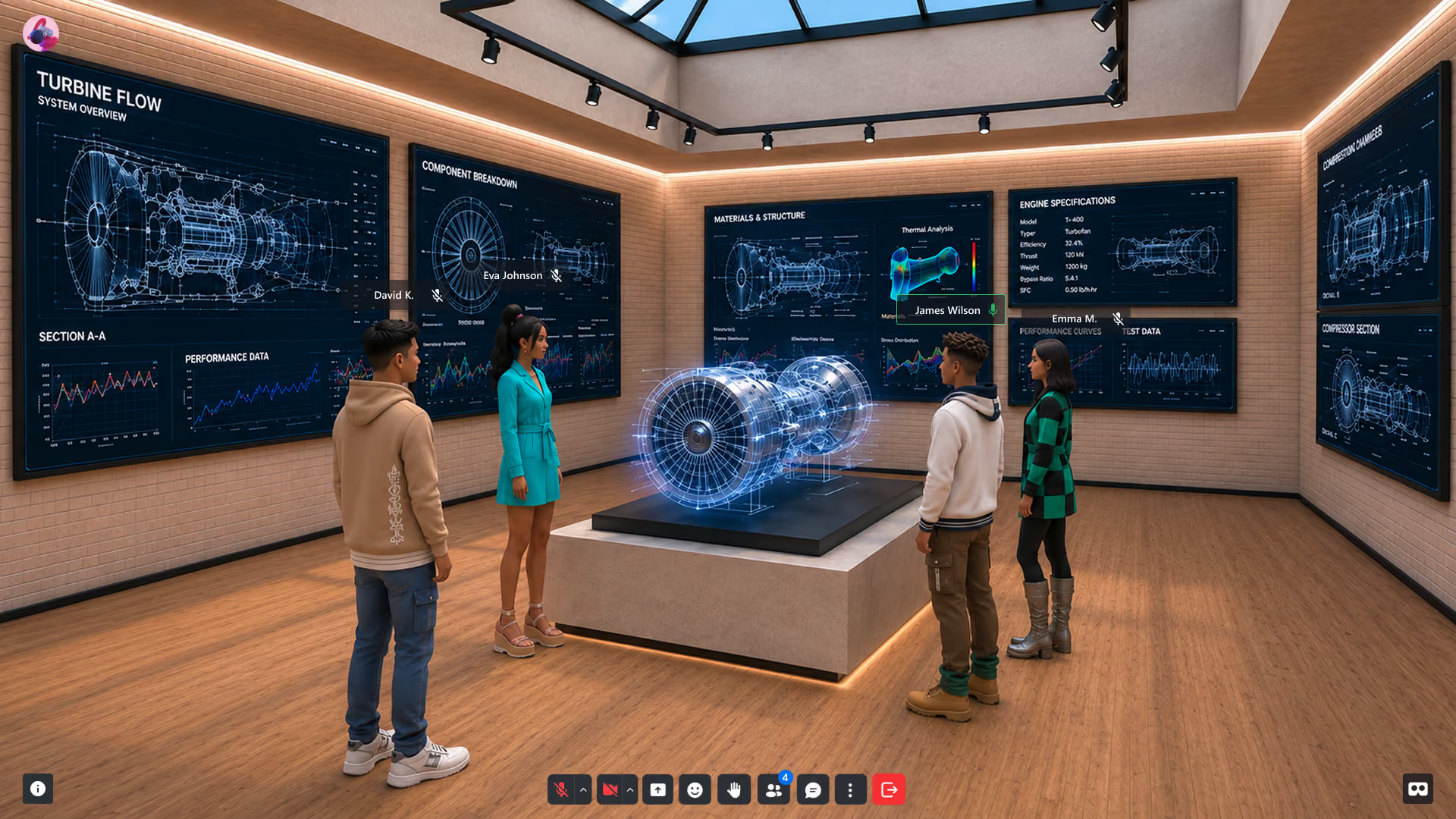
Your Stack to Create, Deploy, Sell and Scale

Create immersive apps with a visual editor and optional scripting—right in your browser.

Manage XR events, attendees, and analytics — all from one central dashboard.

Publish XR experiences on any device — mobile, desktop, or headset — zero installs.

Capture engagement, behavior, and session data across all XR environments in real time.

Host immersive conferences, summits, and hybrid events inside branded XR environments.

Reach global audiences with multilingual XR — English, Spanish, Portuguese, and beyond.
A simple way to start
Getting started takes minutes, not months. Sign up, design your world, and go live.
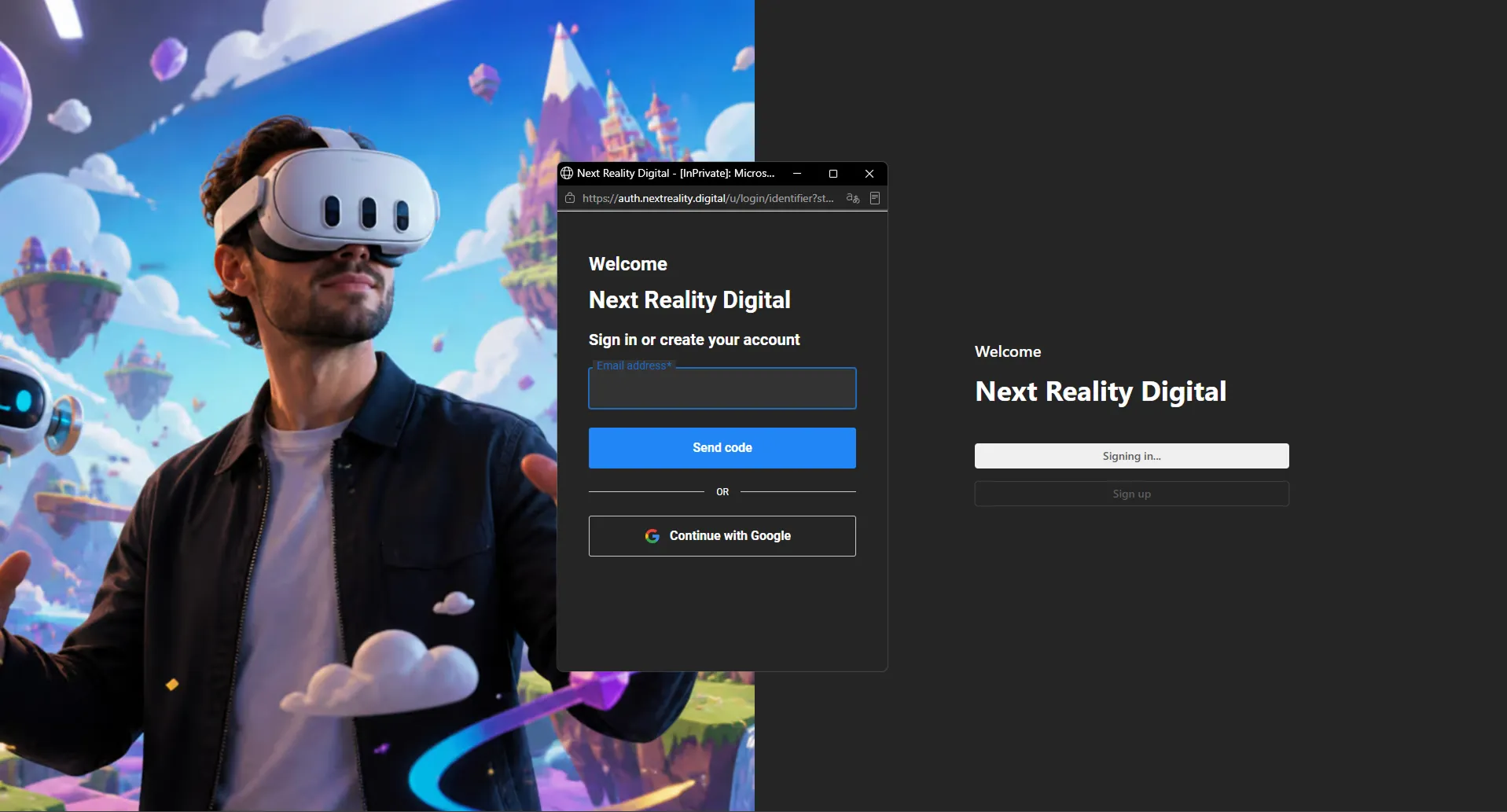
Create your account
XRHUB organizes programs, models, environments, and access in one dashboard.
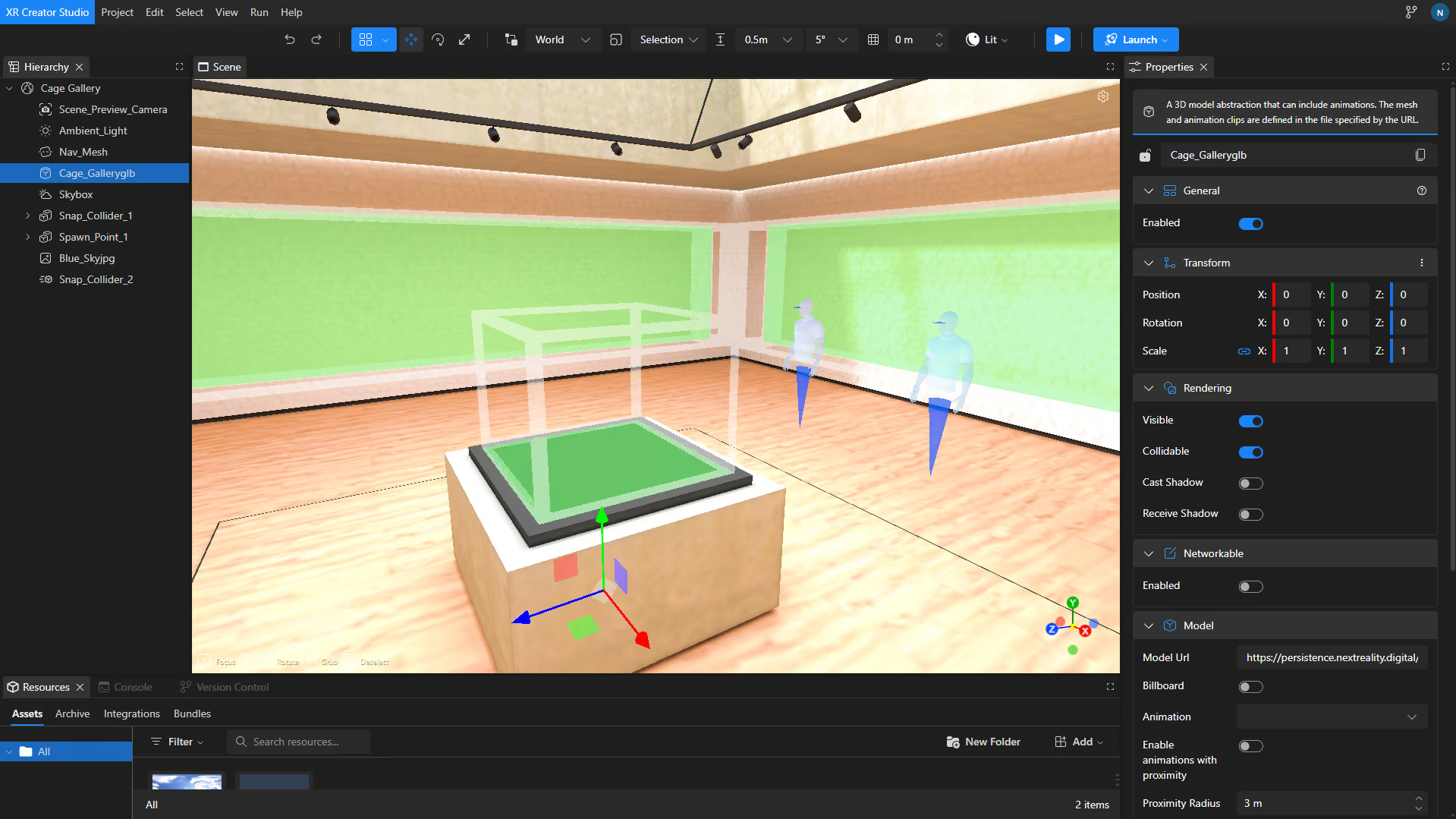
Import your models
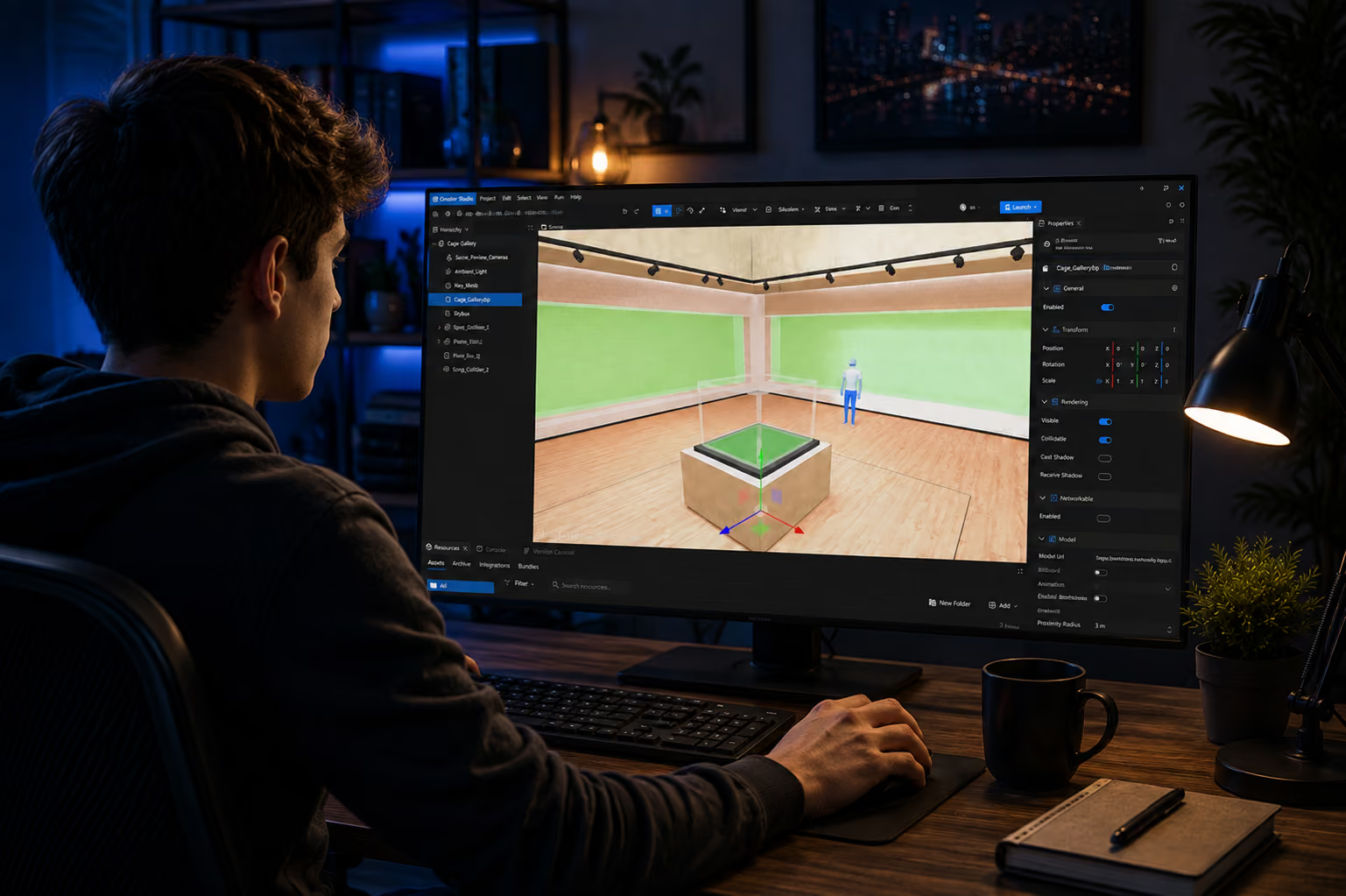
Bring GLB/GLTF/OBJ files into XR Creator Studio, set scale and lighting, add annotations.
Review & Decide
Publish a private Verse, invite the team by link, and capture decisions in session.
Deliver Branded XR Experiences—Without the Dev Overhead
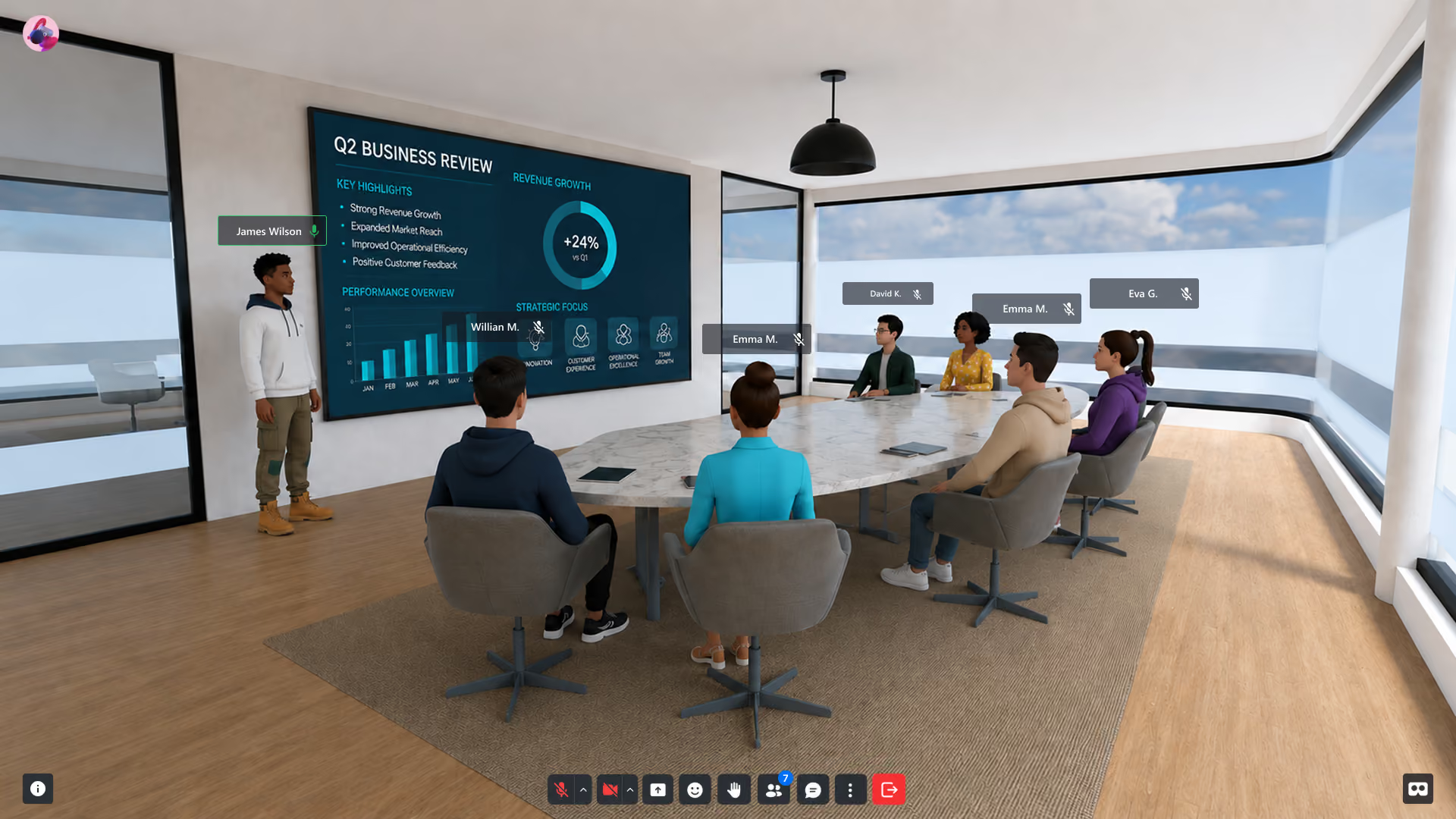
Create immersive product demos, onboarding flows, virtual showcases, immersive classrooms and training apps in your browser—no installs. Design once, publish everywhere. Track engagement, update in real time.
Your Stack to Create, Deploy, Sell and Scale
Create immersive apps with a visual editor and optional scripting—right in your browser.
Manage XR events, attendees, and analytics — all from one central dashboard.
Publish XR experiences on any device — mobile, desktop, or headset — zero installs.
Capture engagement, behavior, and session data across all XR environments in real time.
Host immersive conferences, summits, and hybrid events inside branded XR environments.
Reach global audiences with multilingual XR — English, Spanish, Portuguese, and beyond.
A simple way to start
Getting started takes minutes, not months. No installs, no dev team required — sign up, design your world, and go live.
Create your account
Sign up in seconds and access your XRHUB dashboard — your control center for managing XR environments, attendees, analytics, and everything in between.
Build your workspace
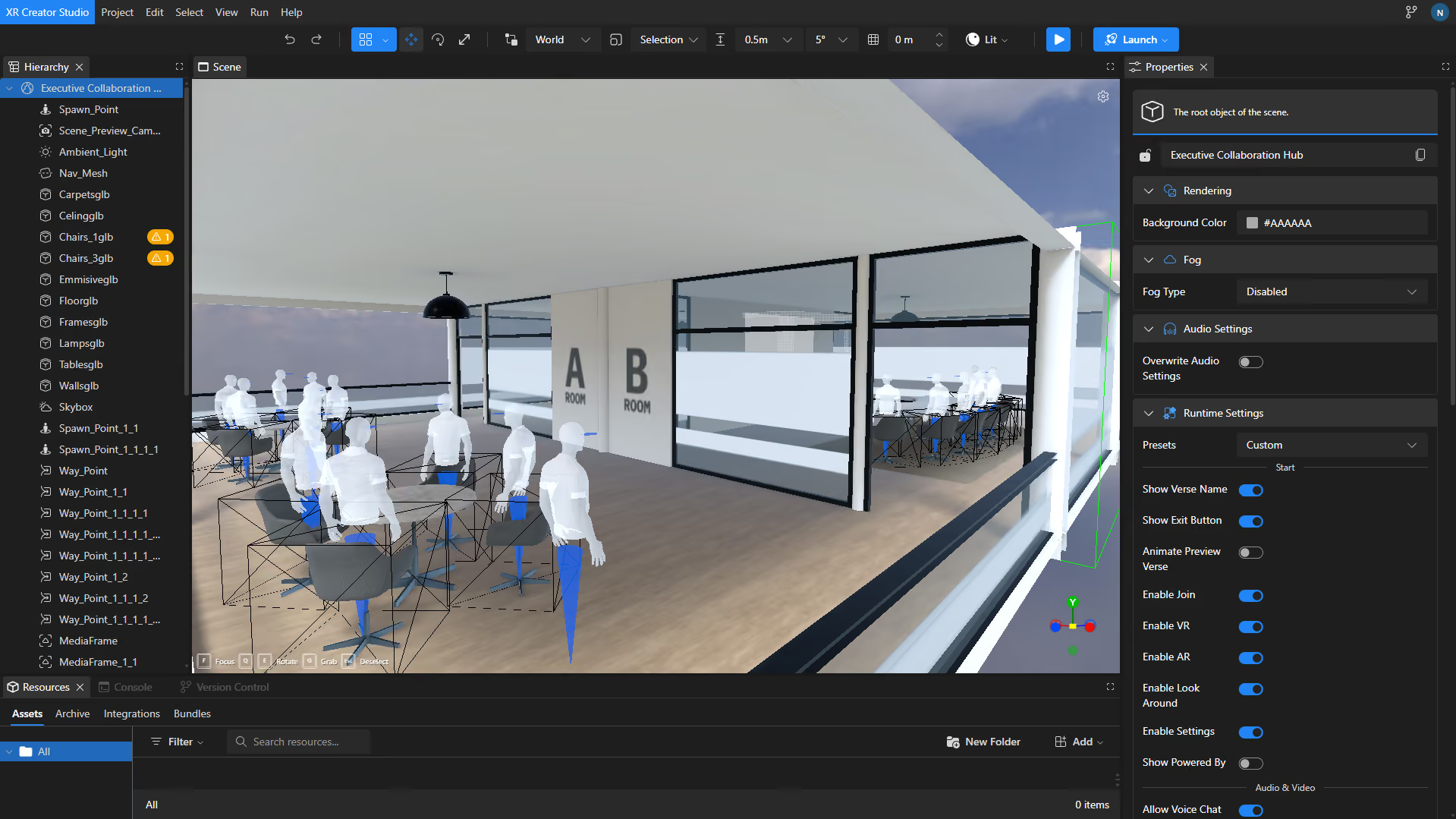
Use XR Creator Studio, our no-code 3D editor, to design immersive environments tailored to your brand. Add stages, networking zones, and interactive elements visually — no developers needed.
Start Creating &Deploying Immersive Experiences
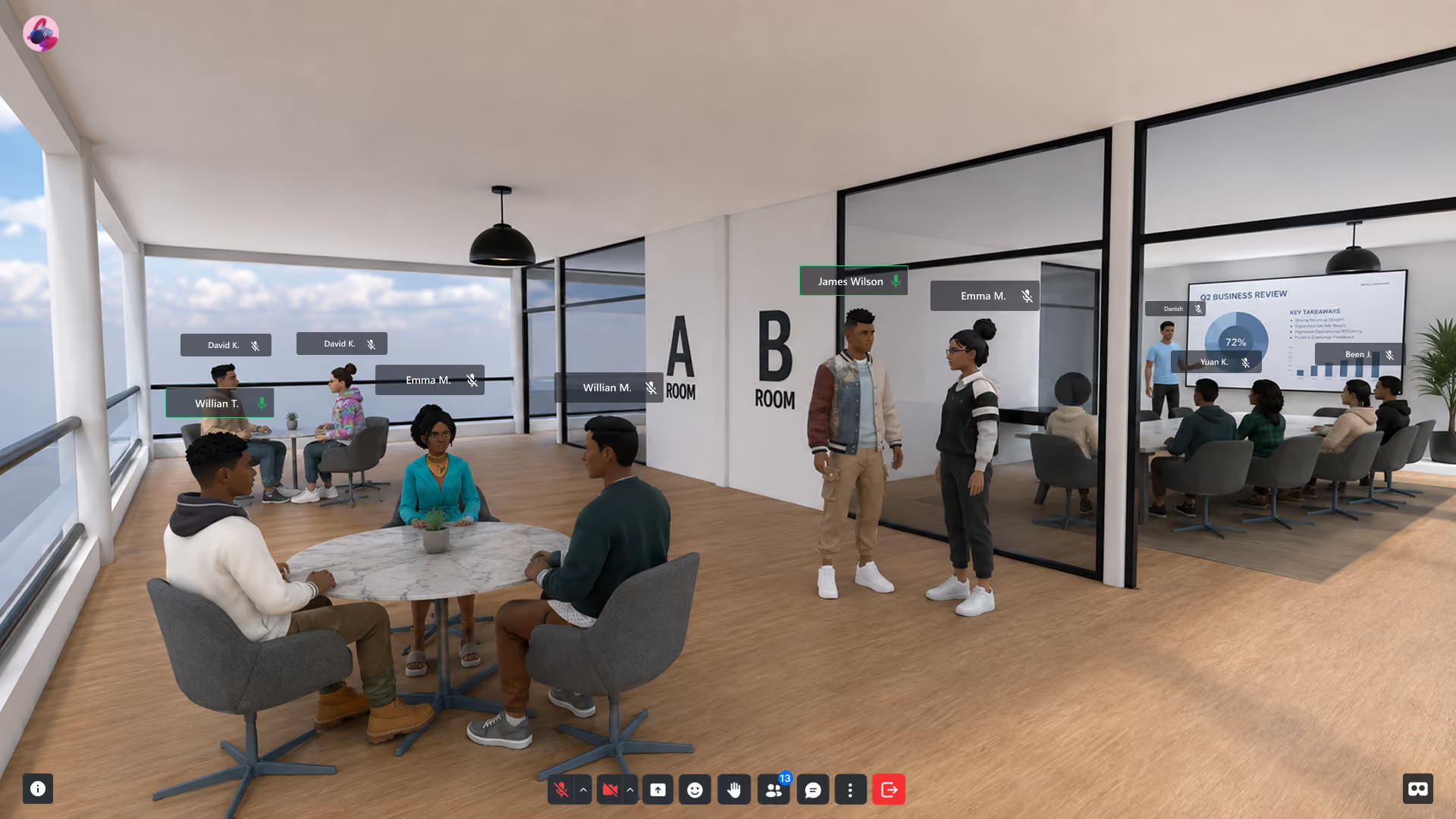
Publish your Verse — a live XR experience accessible via any browser, no headset required. Share by link, QR code, or embed it anywhere your audience already is.
Bring Your Next Design Review Into Spatial Computing
Twenty minutes: your model, at scale, on screen, with your team inside it.
Frequently asked questions
Common Questions About XR for Engineering
What is virtual prototyping?
Virtual prototyping is evaluating a product design as an interactive 3D model before building it physically. Teams inspect form, scale, and ergonomics in a shared virtual space, catching design errors when they cost hours to fix instead of weeks.
What is the industrial metaverse?
The industrial metaverse is the use of persistent, shared 3D environments for industrial work — design reviews, factory planning, training, and remote collaboration. NRD delivers it browser-native, so adoption doesn't wait on a hardware program.
What 3D formats can we import?
GLB, GLTF, and OBJ import directly into XR Creator Studio — the standard export path from most CAD and DCC pipelines, and the native output of AI 3D-generation tools. Your models stay yours; no proprietary lock-in.
Is it secure enough for confidential programs?
Development environments and private Verse instances give you access-controlled spaces with their own URLs, separate from anything public — review pre-release work with exactly the people you invite.
Do reviewers need special hardware?
No. Reviews run in the browser on any laptop; VR headsets are optional for full-scale immersion. The stakeholder who "can't open the CAD file" clicks a link instead.
Can AI-generated 3D models be used?
Yes — models from generative 3D tools export as GLB/GLTF/OBJ and import directly, which means concept variations can be generated and reviewed the same day.
XR in Enterprise R&D
Explore our articles on spatial engineering, virtual testing environments, and frontier XR technologies for R&D teams.