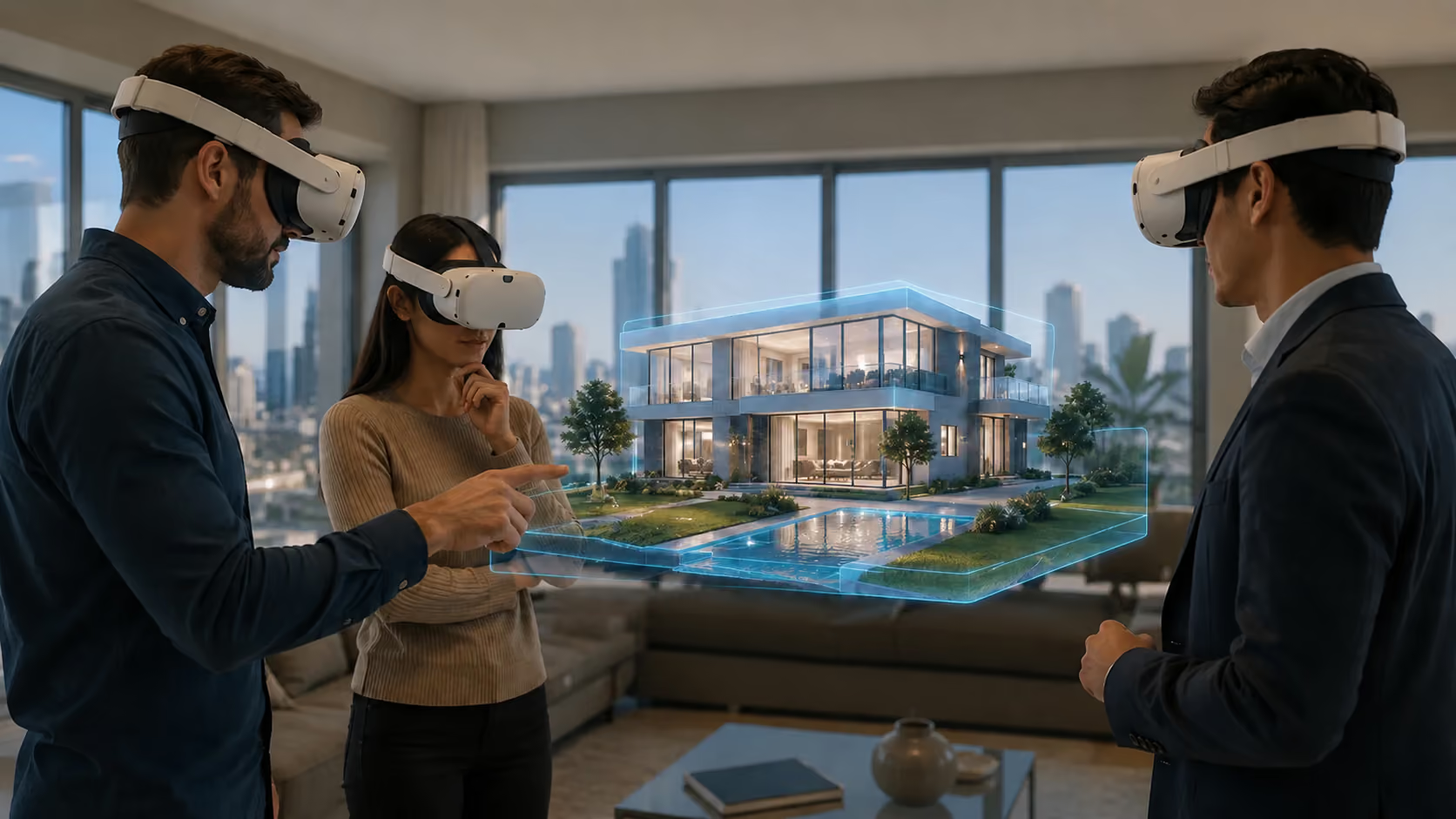
Virtual Reality in Education, Without the Headsets
Build immersive classrooms, labs, and virtual campuses students join from any browser — desktop, mobile, or VR — in English, Spanish, and Portuguese.
Immersive Learning That Reaches Every Student
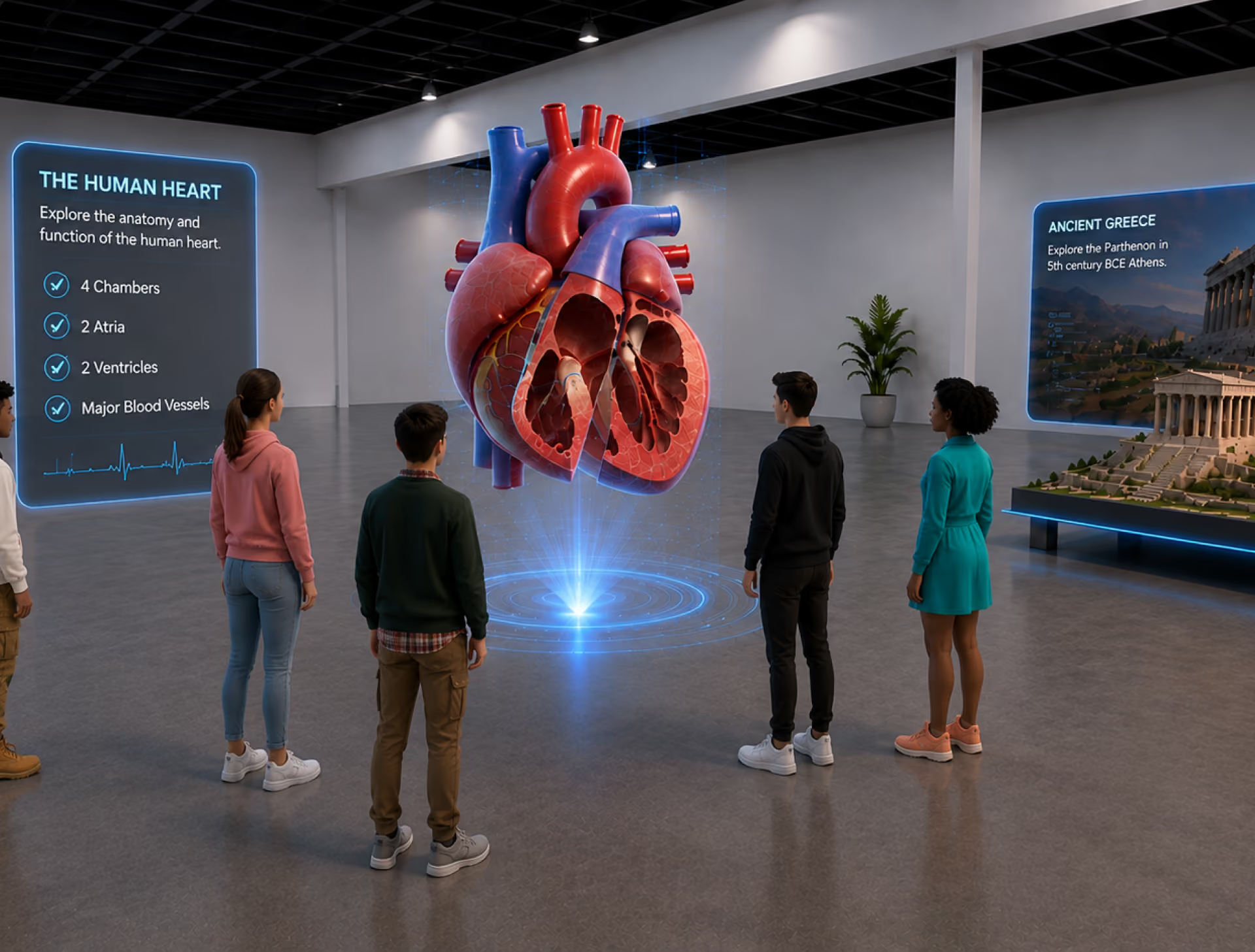
Most VR education programs stall on hardware: one headset per student is a budget line no institution clears. Immersive learning works when it runs where students already are — the browser on the devices they own.
Your Stack to Create, Deploy, Sell and Scale

Create immersive apps with a visual editor and optional scripting—right in your browser.

Manage XR events, attendees, and analytics — all from one central dashboard.

Publish XR experiences on any device — mobile, desktop, or headset — zero installs.

Capture engagement, behavior, and session data across all XR environments in real time.

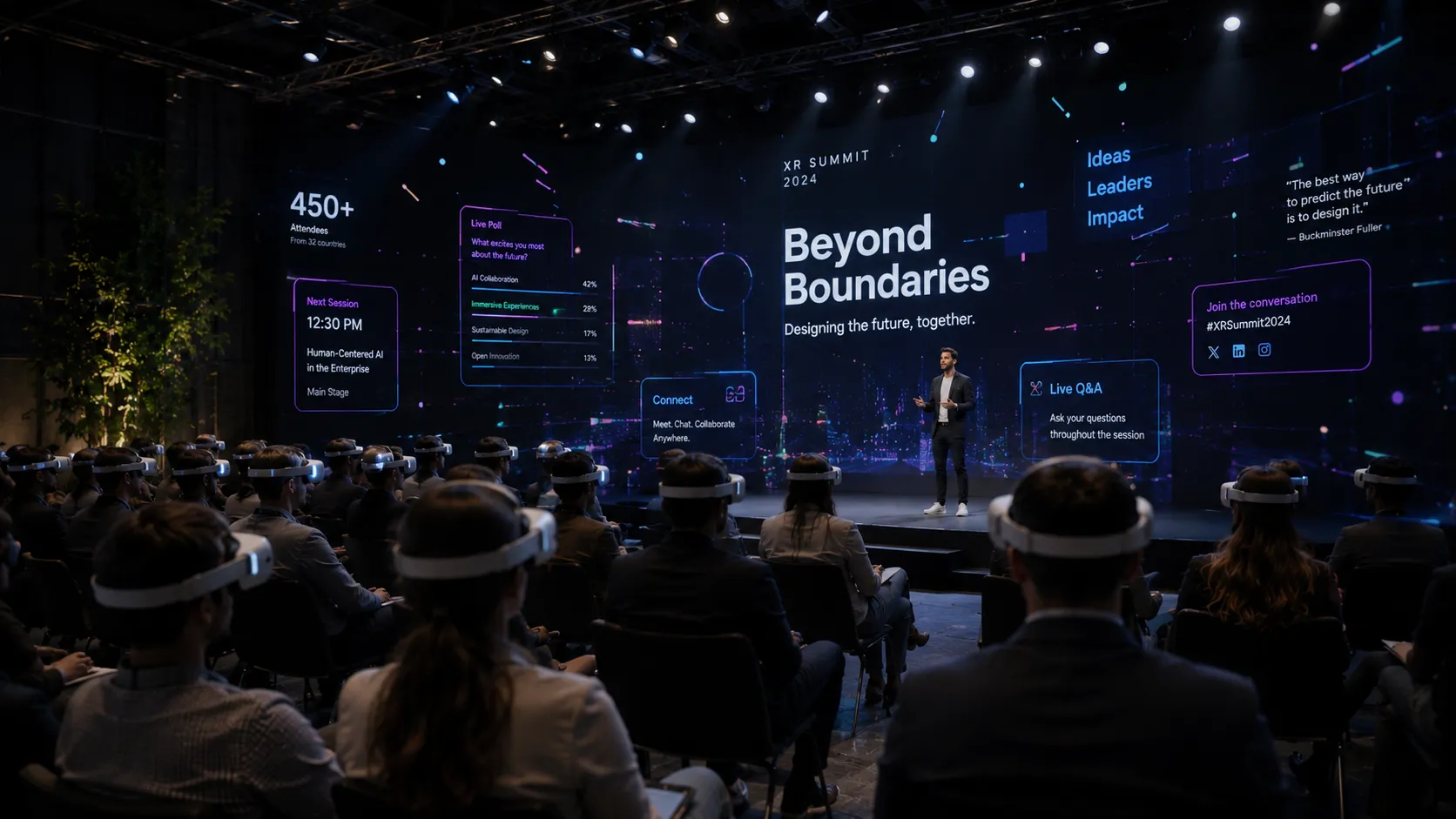
Host immersive conferences, summits, and hybrid events inside branded XR environments.

Reach global audiences with multilingual XR — English, Spanish, Portuguese, and beyond.
A simple way to start
Getting started takes minutes, not months. Sign up, design your world, and go live.
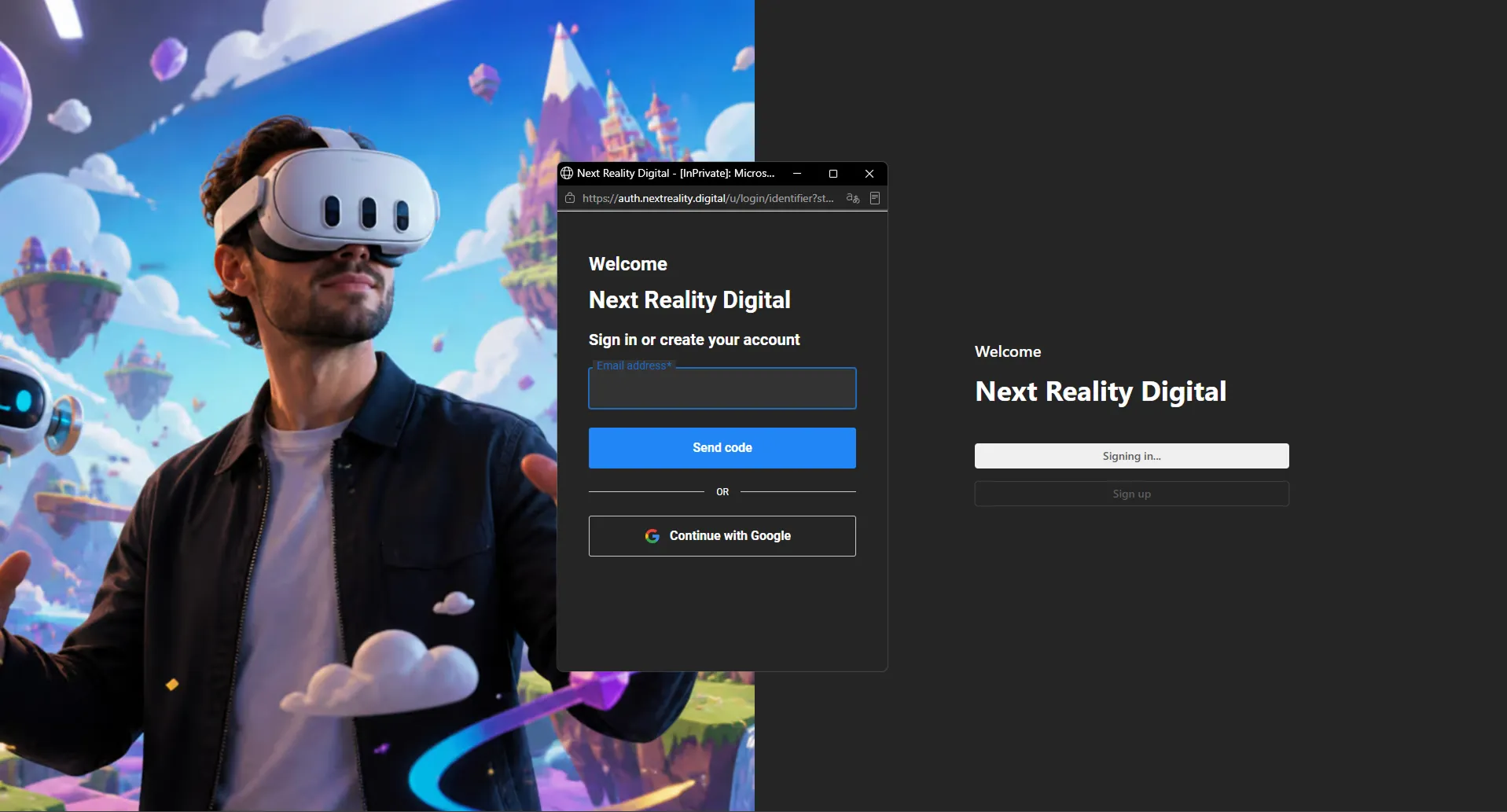
Create your account
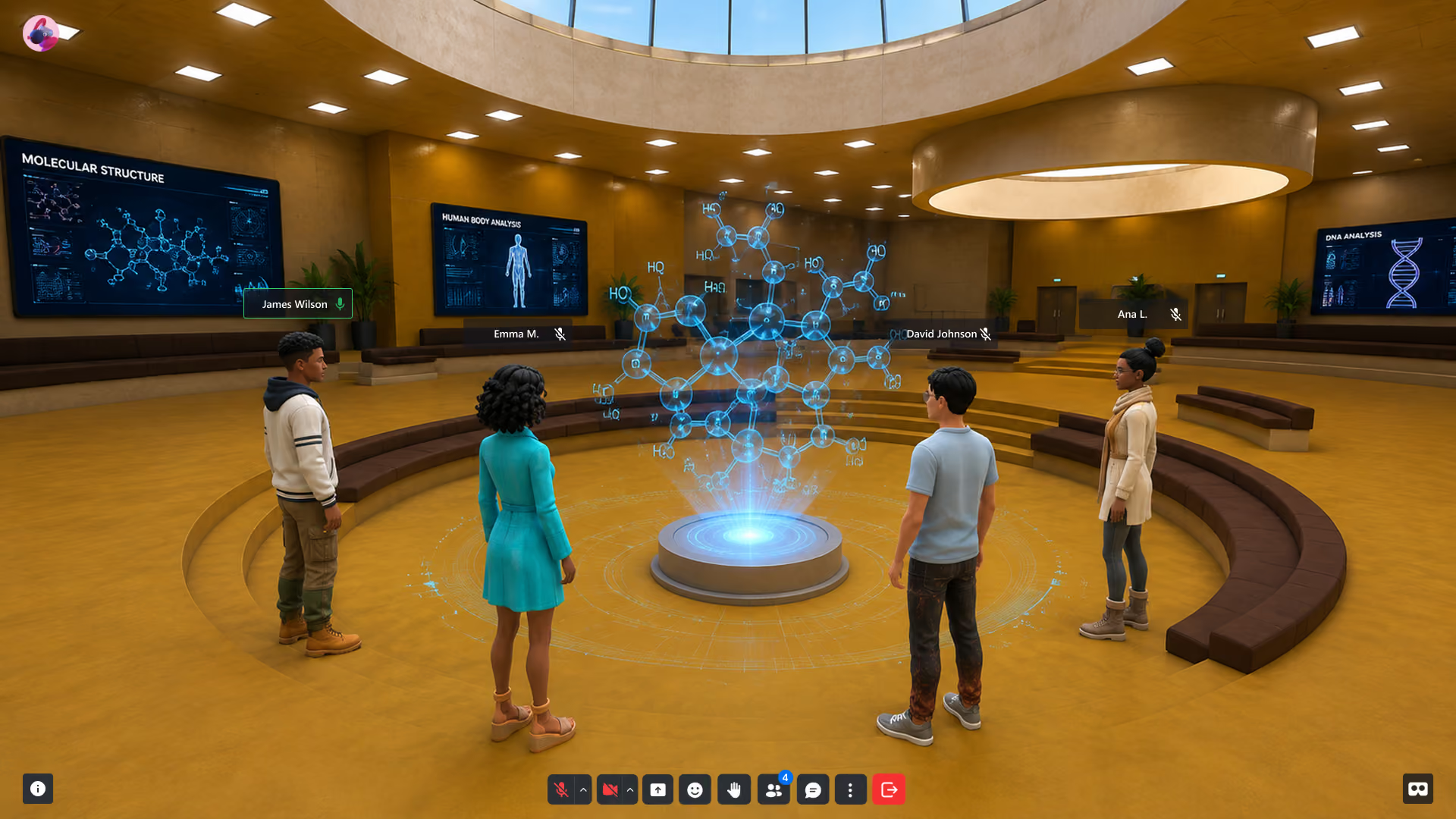
Sign up and open XRHUB, your dashboard for environments, cohorts, and analytics.
Build your classroom
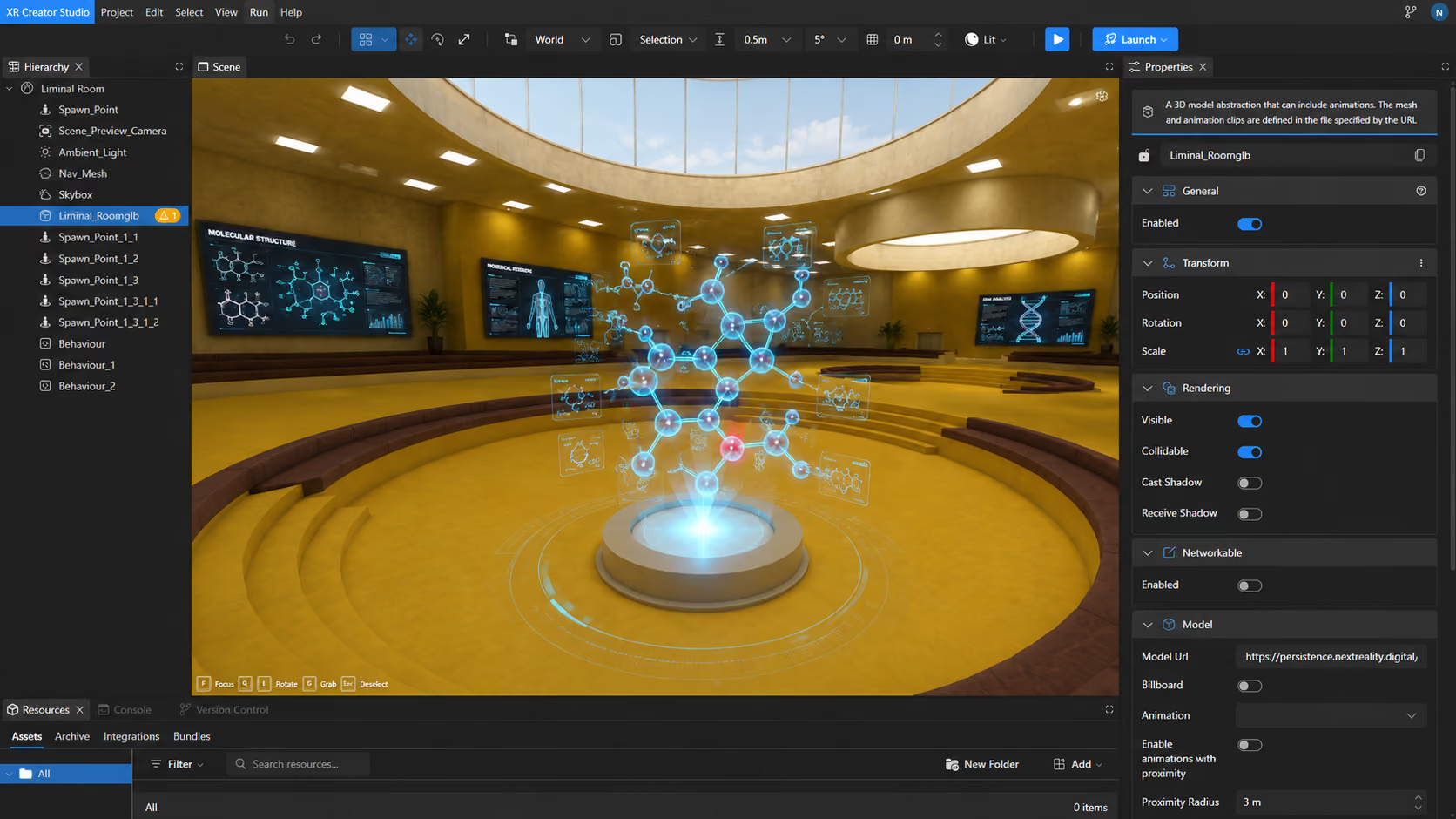
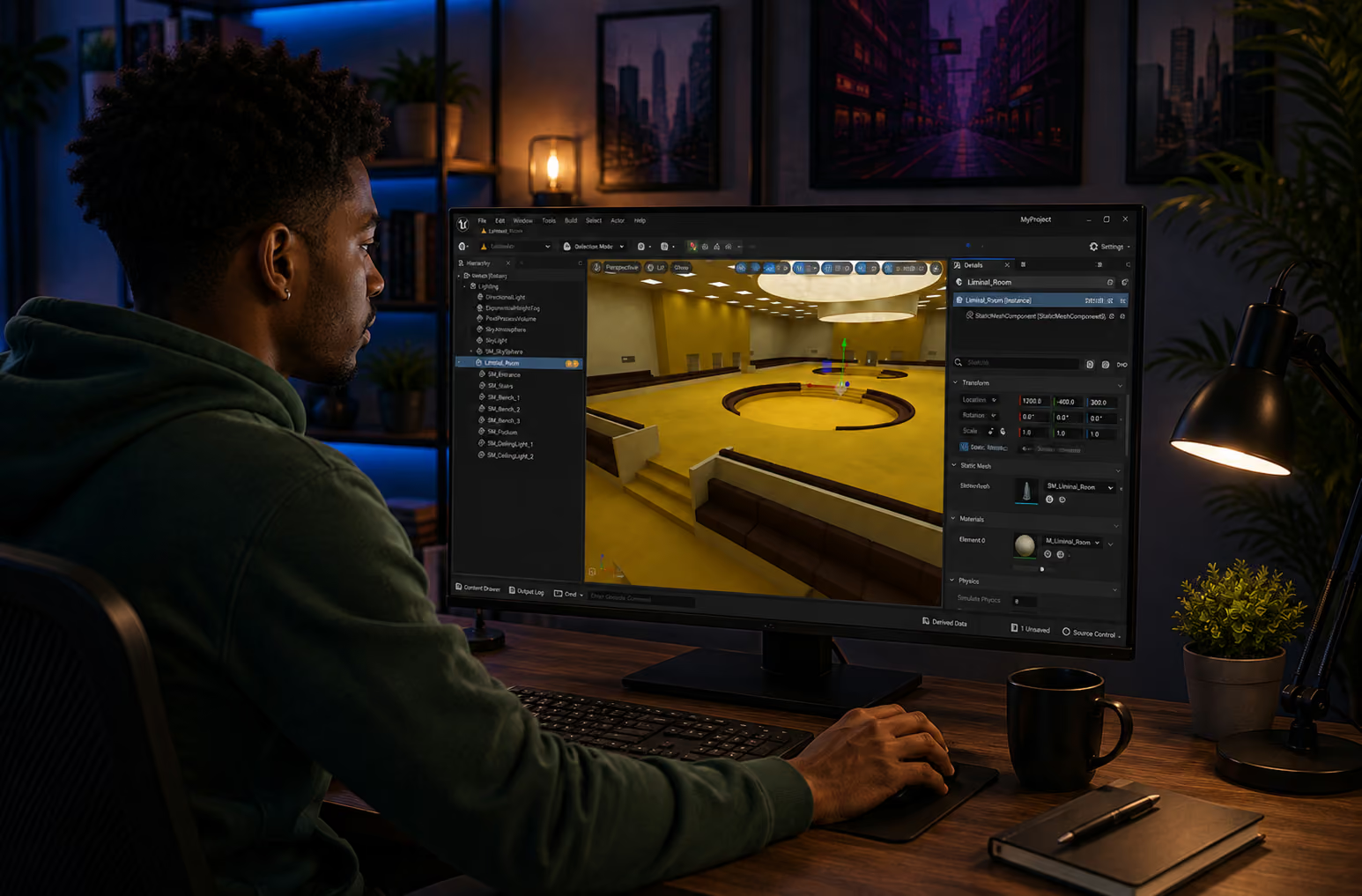
Design immersive lessons in XR Creator Studio — import 3D models (GLB/GLTF/OBJ), add media, and place AI tutors visually.
Teach & Measure
Publish your Verse to a live URL. Students join in one click; you track attendance and engagement in real time.
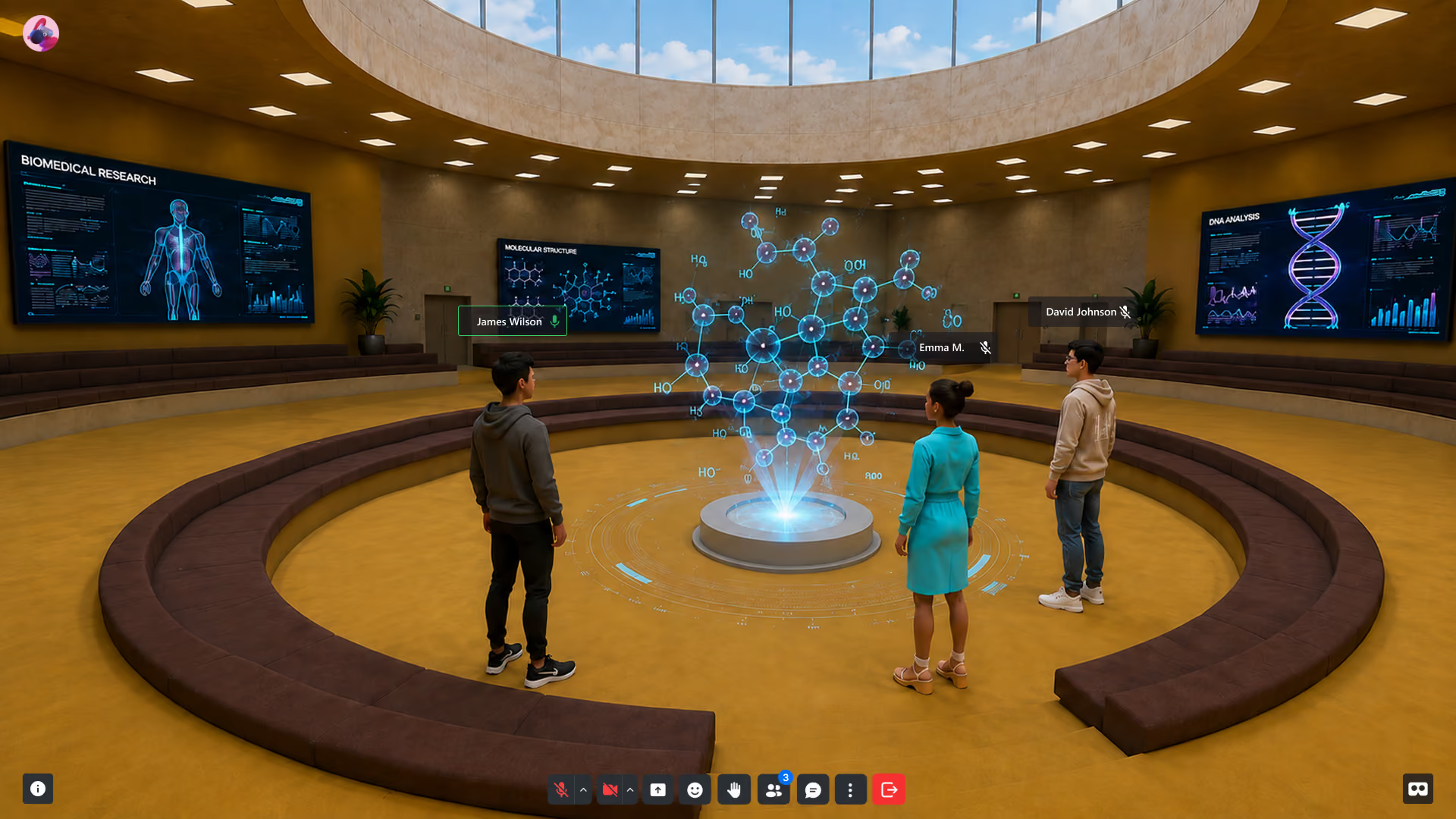
Deliver Branded XR Experiences—Without the Dev Overhead
Create immersive product demos, onboarding flows, virtual showcases, immersive classrooms and training apps in your browser—no installs. Design once, publish everywhere. Track engagement, update in real time.
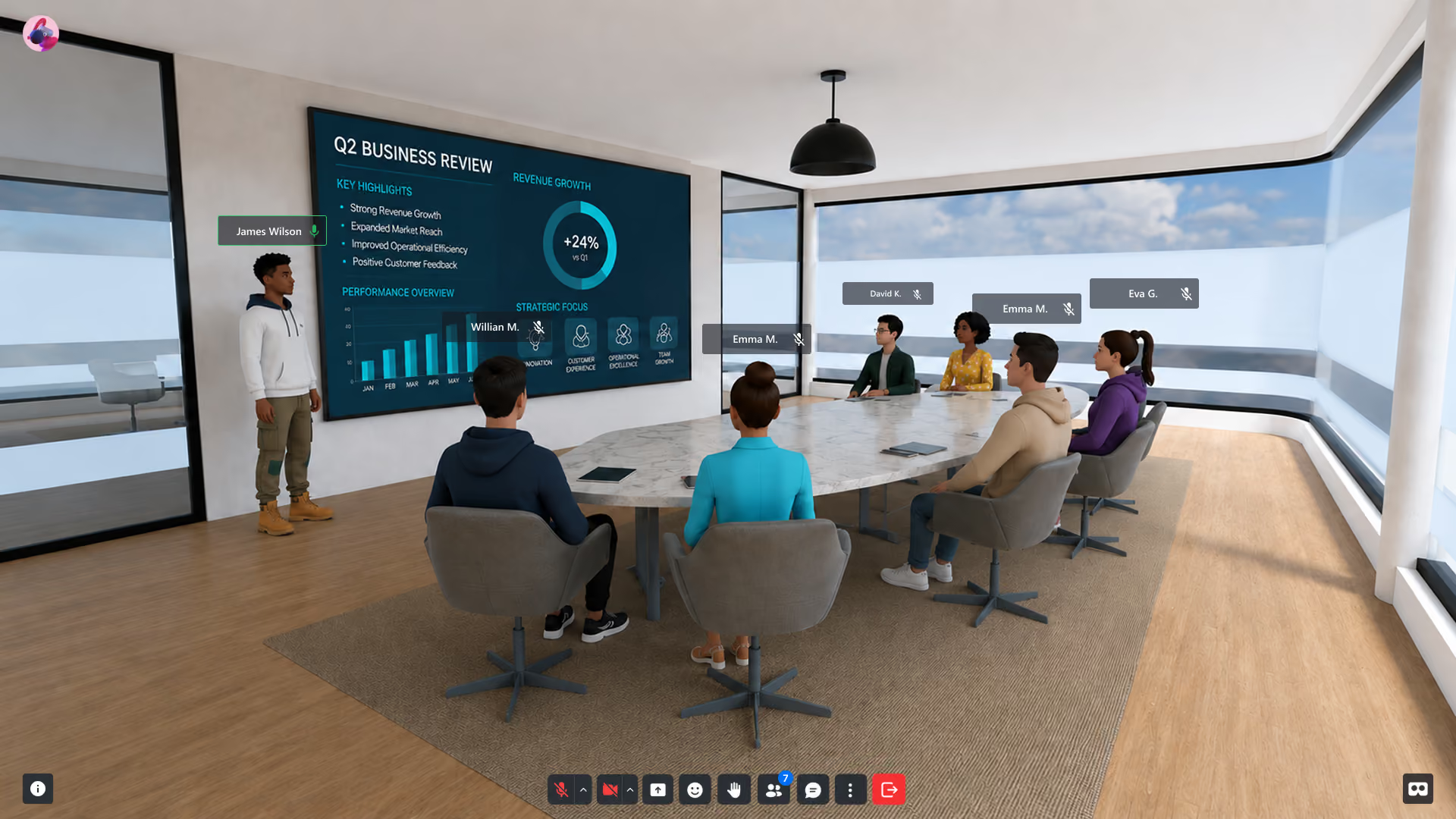
Your Stack to Create, Deploy, Sell and Scale
Create immersive apps with a visual editor and optional scripting—right in your browser.
Manage XR events, attendees, and analytics — all from one central dashboard.
Publish XR experiences on any device — mobile, desktop, or headset — zero installs.
Capture engagement, behavior, and session data across all XR environments in real time.
Host immersive conferences, summits, and hybrid events inside branded XR environments.
Reach global audiences with multilingual XR — English, Spanish, Portuguese, and beyond.
A simple way to start
Getting started takes minutes, not months. No installs, no dev team required — sign up, design your world, and go live.
Create your account
Sign up in seconds and access your XRHUB dashboard — your control center for managing XR environments, attendees, analytics, and everything in between.
Build your workspace
Use XR Creator Studio, our no-code 3D editor, to design immersive environments tailored to your brand. Add stages, networking zones, and interactive elements visually — no developers needed.
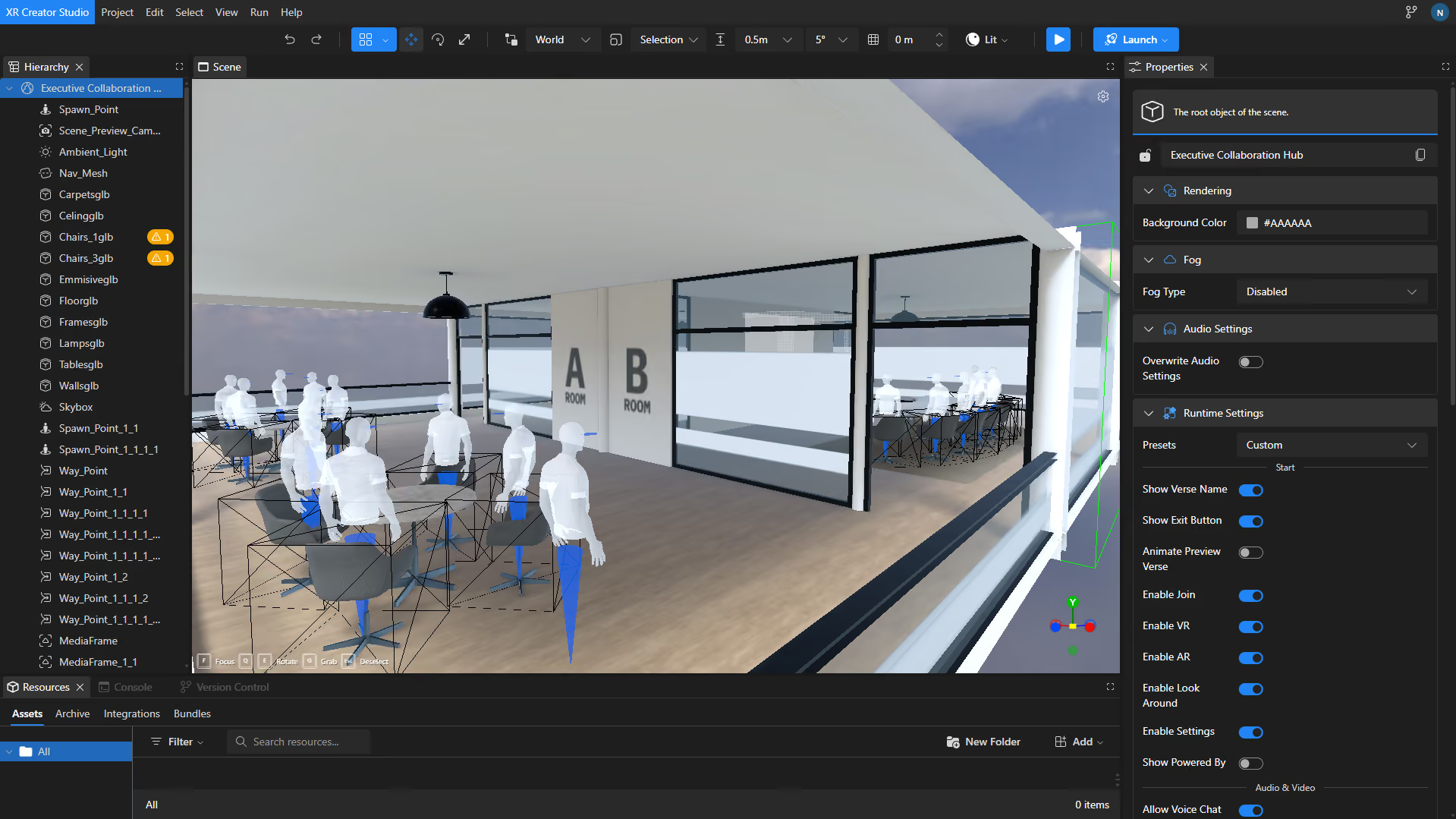
Start Creating &Deploying Immersive Experiences
Publish your Verse — a live XR experience accessible via any browser, no headset required. Share by link, QR code, or embed it anywhere your audience already is.
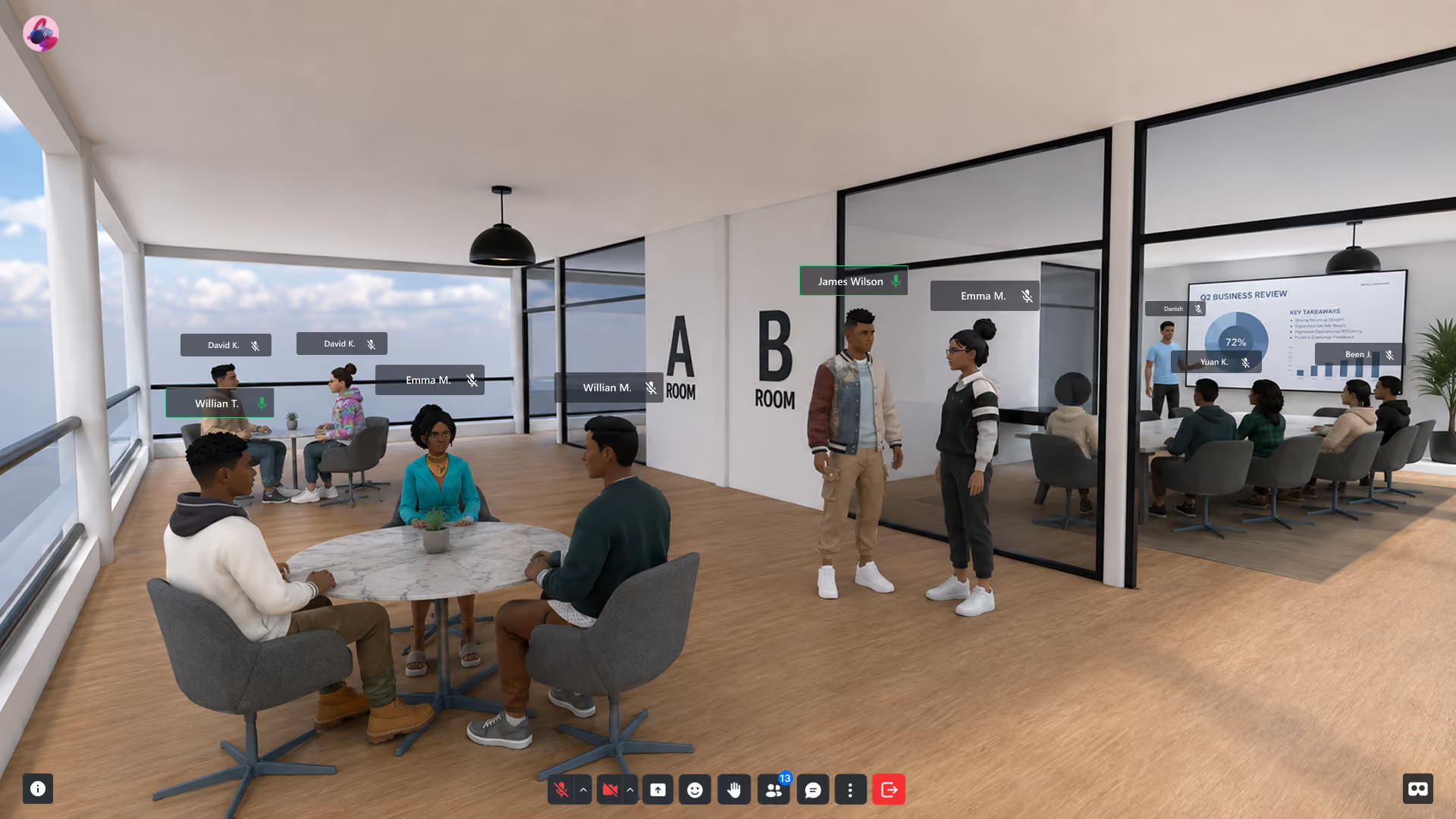
Bring Immersive Learning to Your Institution
See a working virtual classroom on screen in twenty minutes — your curriculum, not a canned demo.
Frequently asked questions
Common Questions About VR in Education
How is virtual reality used in education?
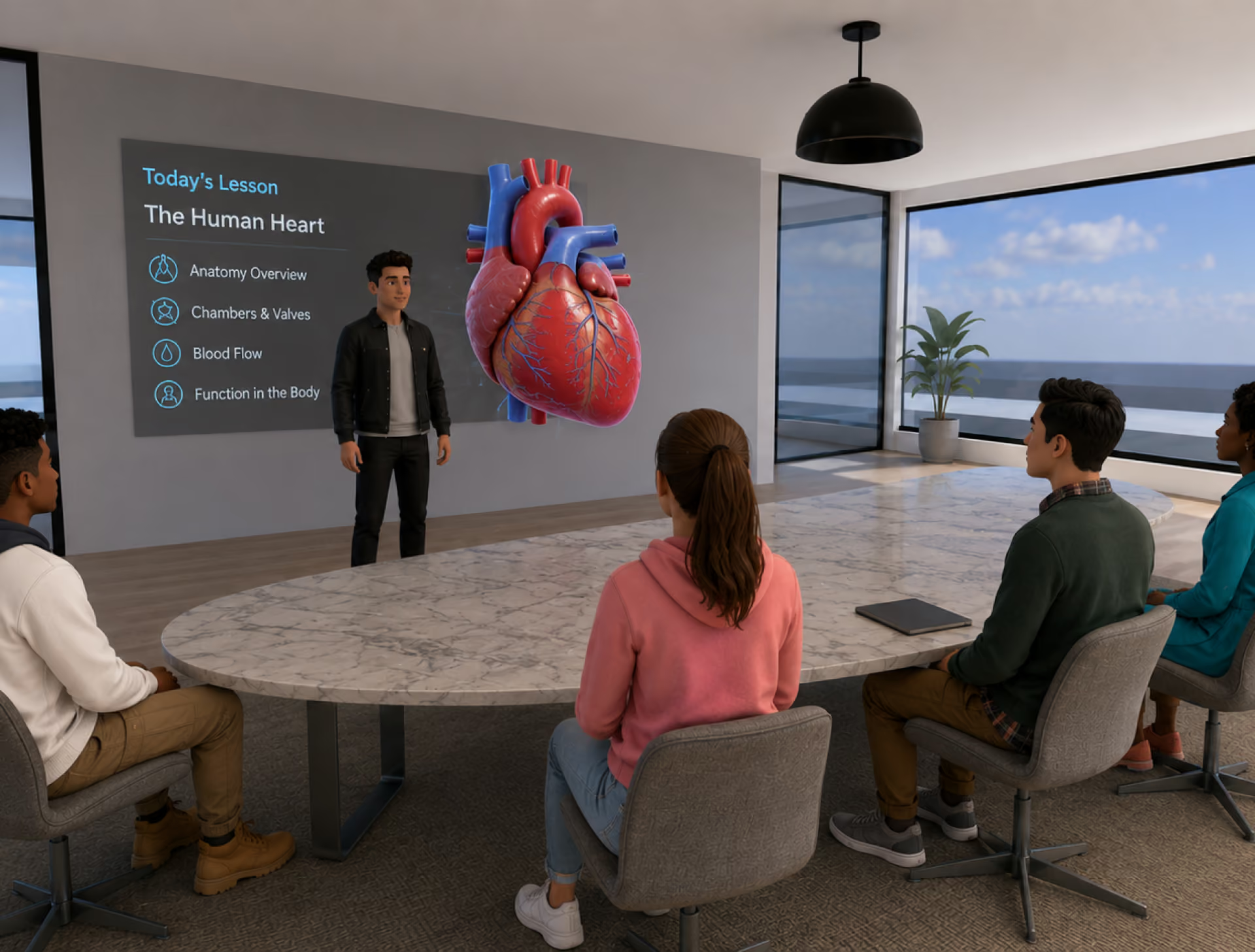
Virtual reality in education lets students learn inside interactive 3D environments — virtual classrooms, science labs, campus tours, and historical recreations — instead of watching flat content. With browser-based platforms like NRD, students join these environments from a laptop, tablet, or phone, so institutions can adopt VR learning without buying headsets.
Do students need VR headsets?
No. Every NRD environment runs in a standard web browser on desktop, mobile, or tablet. Headsets (like Meta Quest) are supported for full immersion but never required — which is what makes classroom-wide rollout financially realistic.
What is immersive learning?
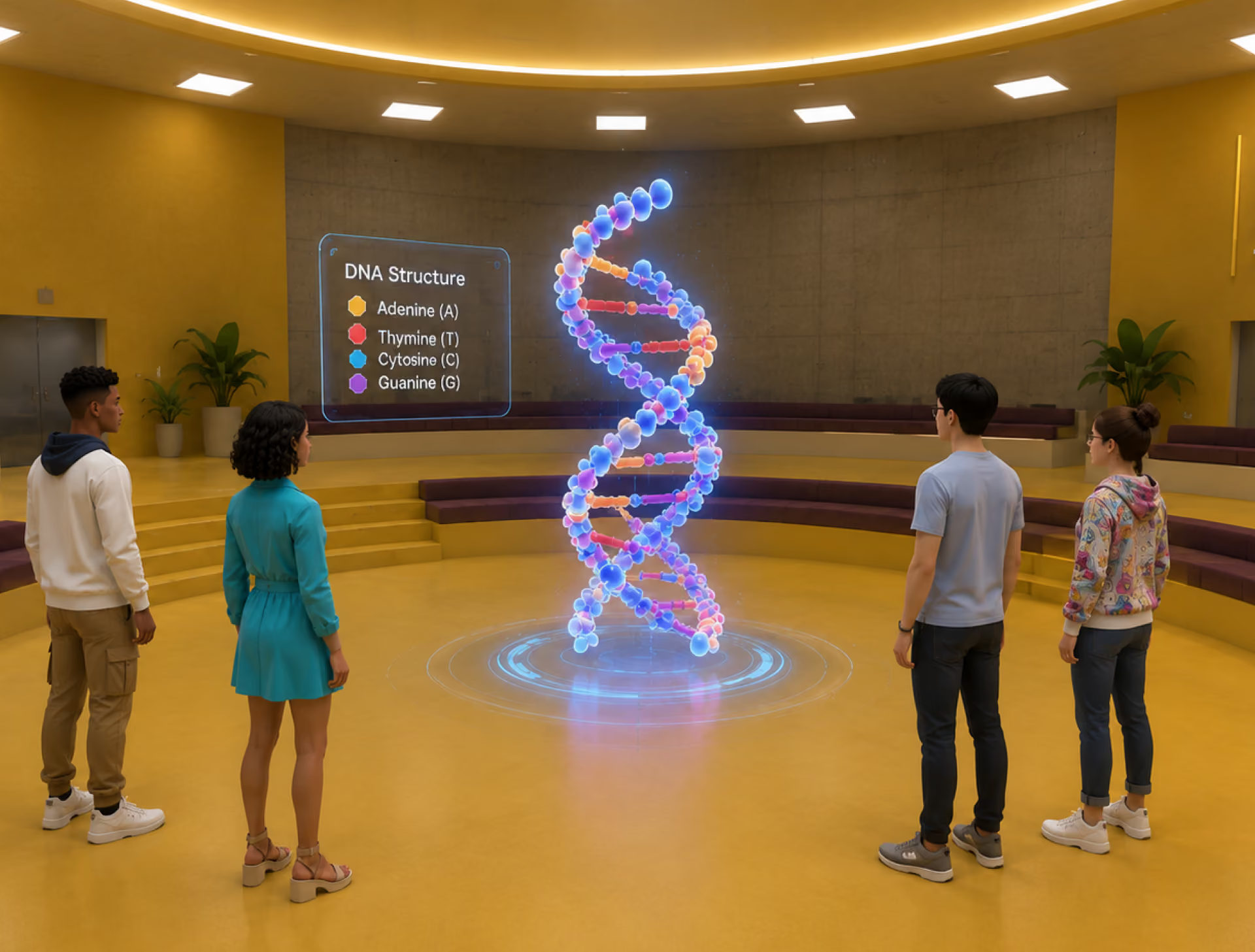
Immersive learning is instruction delivered inside interactive 3D environments where students participate rather than observe. Instead of watching video or slides, learners practice by doing: exploring spaces, handling 3D objects, and working through scenarios together.
Can teachers build VR lessons without coding?
Yes. XR Creator Studio is a no-code visual editor — teachers drag in 3D models, media, and quiz elements the way they'd build a slide deck. An optional scripting layer exists for advanced interactivity, but it's never required.
How do students join a VR classroom?
Students click a link, scan a QR code, or enter a numeric room code — no downloads, no installs, no accounts required for guests. Sessions support text and voice chat, emotes, and shared media.
Can we build a virtual campus?
Yes — that's the core use case. A virtual campus gives remote students a shared place to attend classes, meet, and collaborate as avatars, with multilingual delivery for international cohorts.
XR in Education
Explore our latest articles on immersive learning platforms, virtual classrooms, and spatial technology in education.