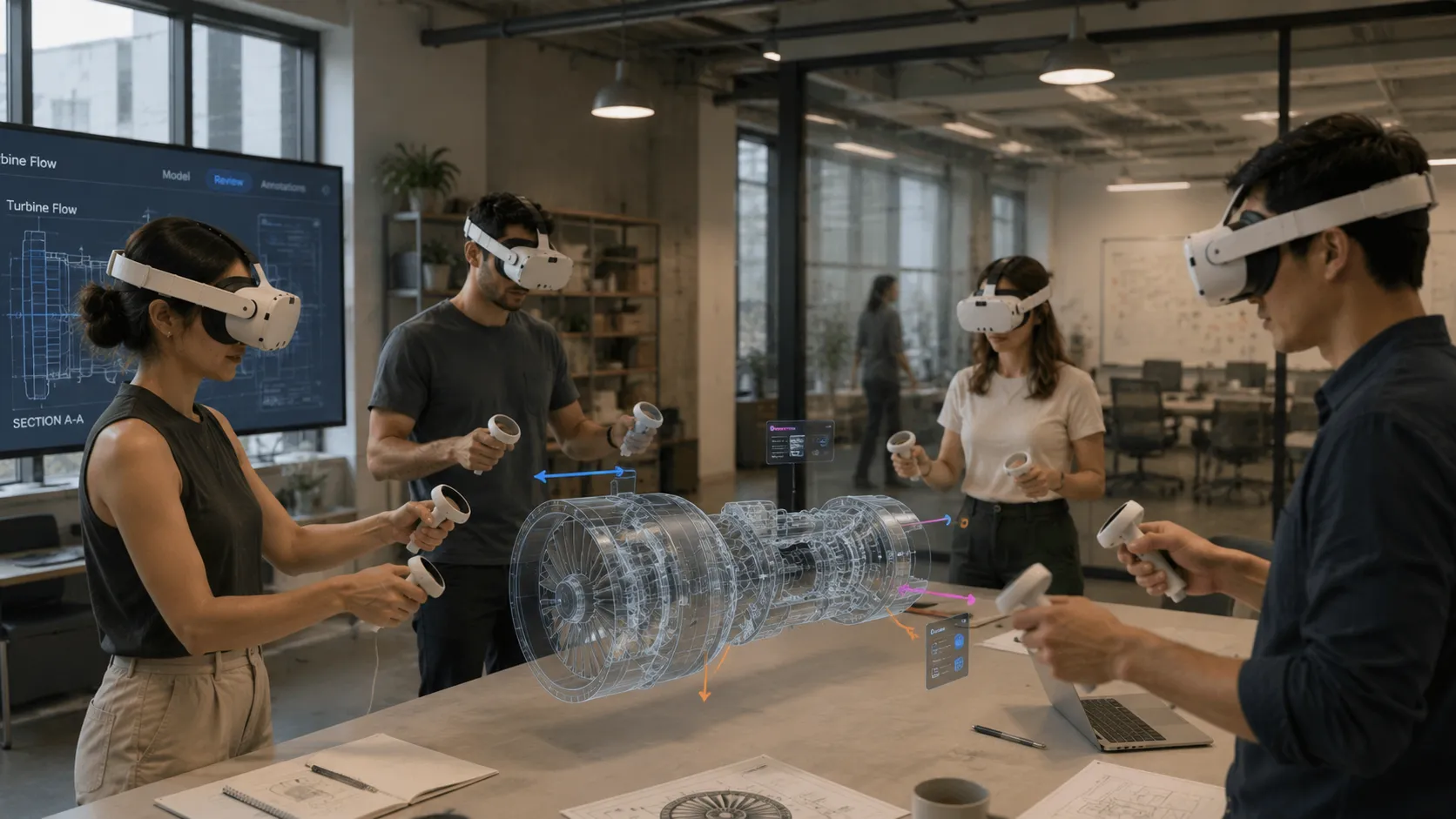
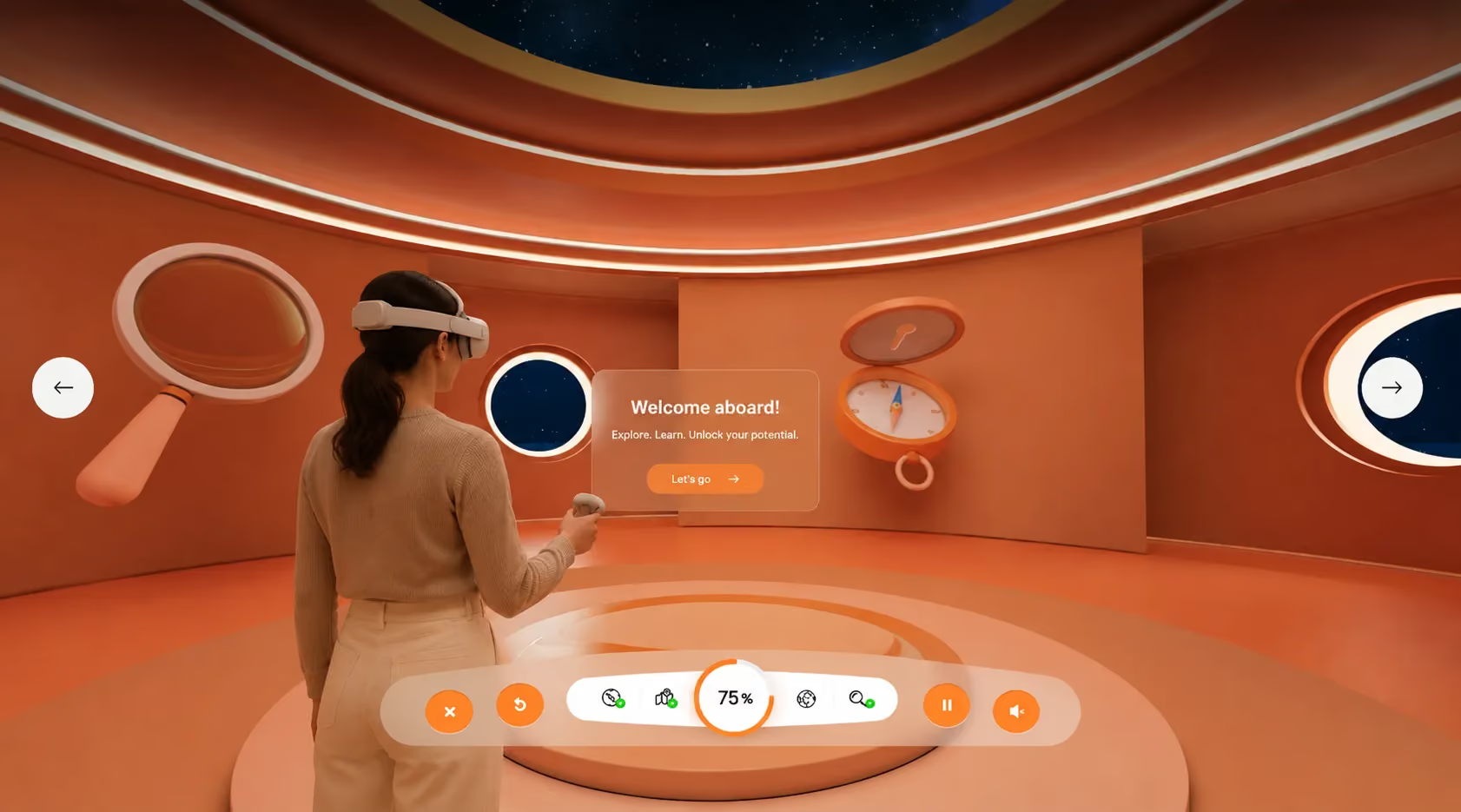
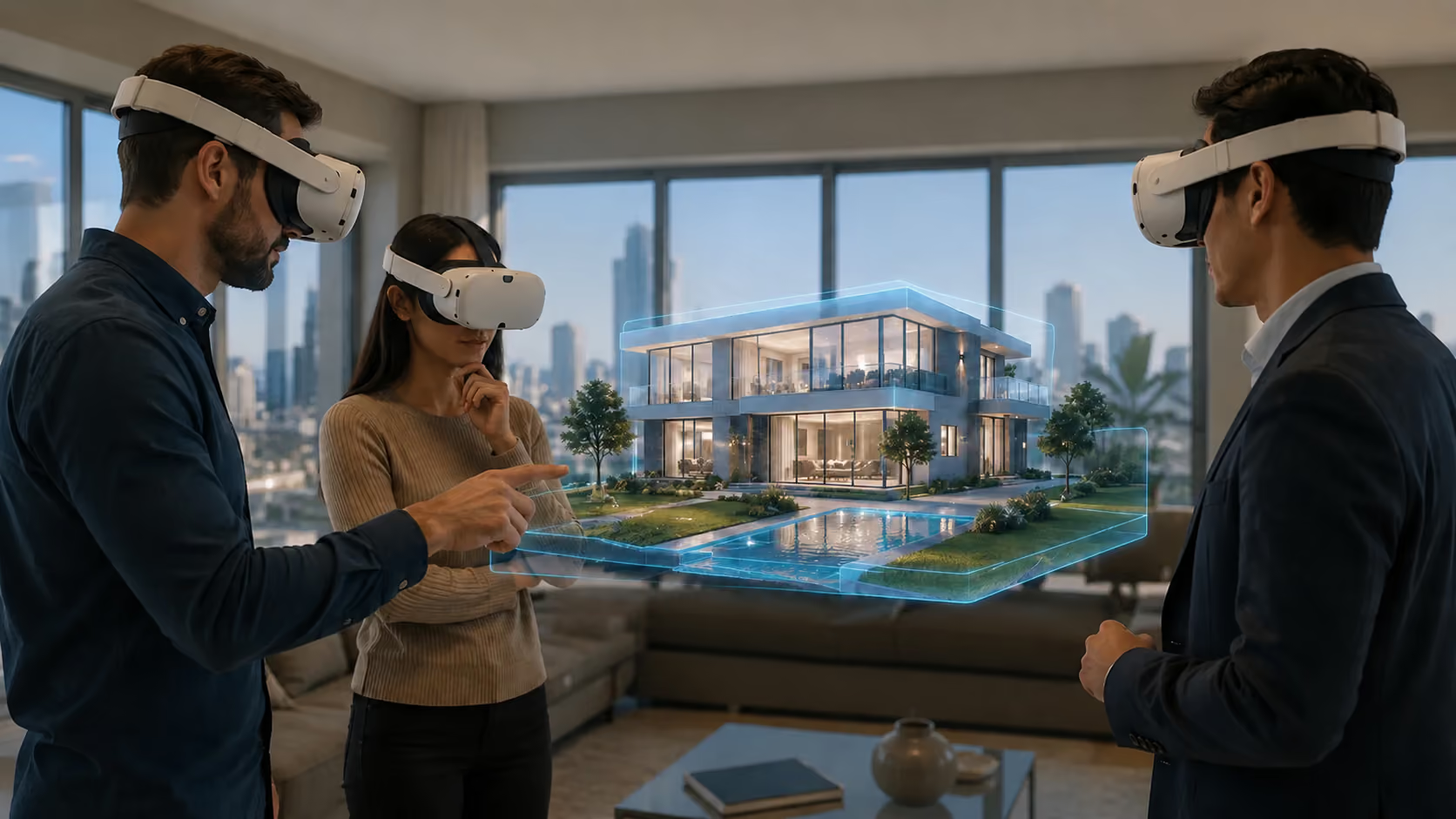
Virtual Reality Training That Scales to Every Employee
Safety training, onboarding, and skills practice in branded 3D environments — browser-native, measurable, and live in weeks, not quarters.
Immersive Training Without the Hardware Program
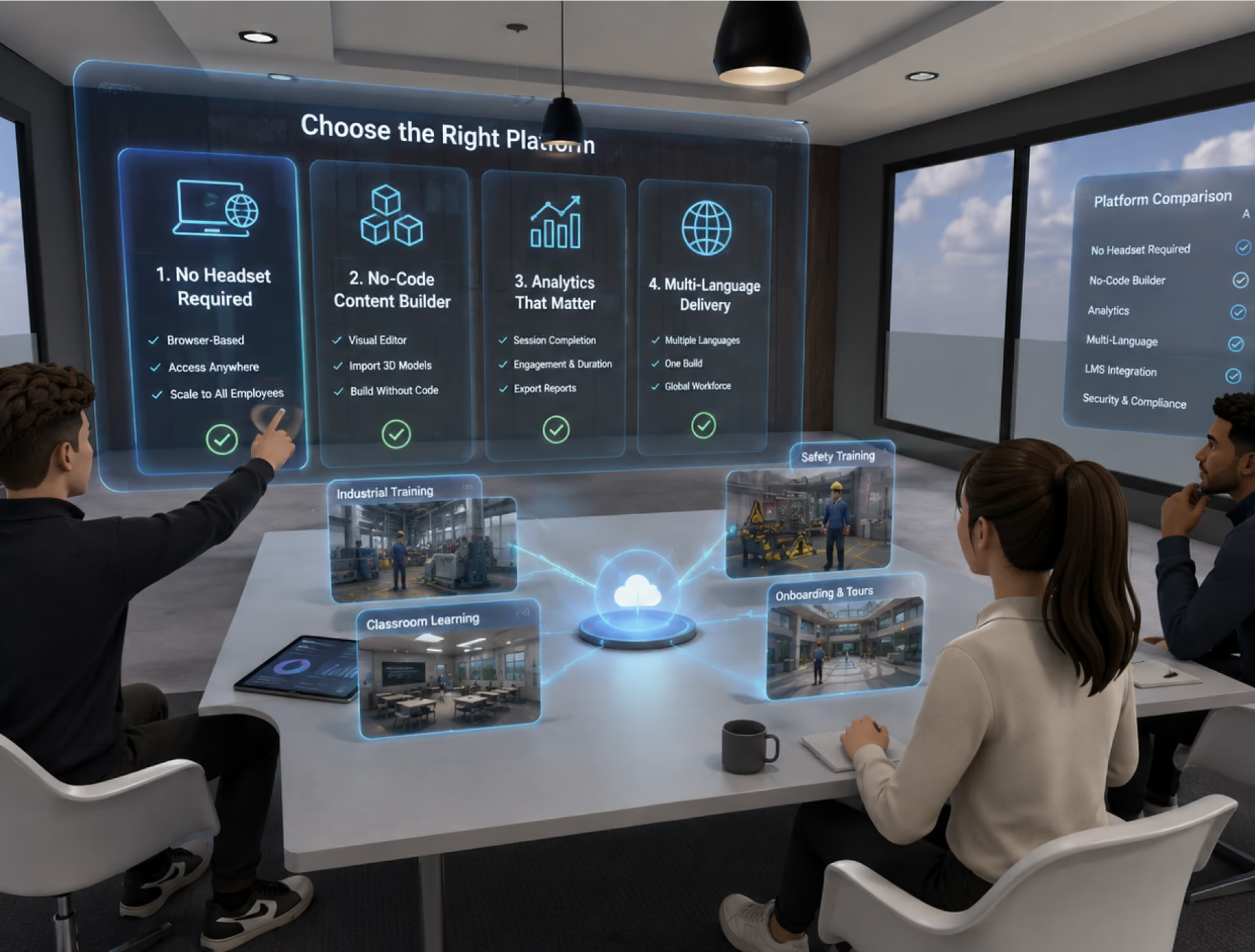
VR training proves retention gains, then dies in procurement: headsets, MDM, device logistics. NRD removes the bottleneck — the same immersive scenarios, delivered through the browser your workforce already has.
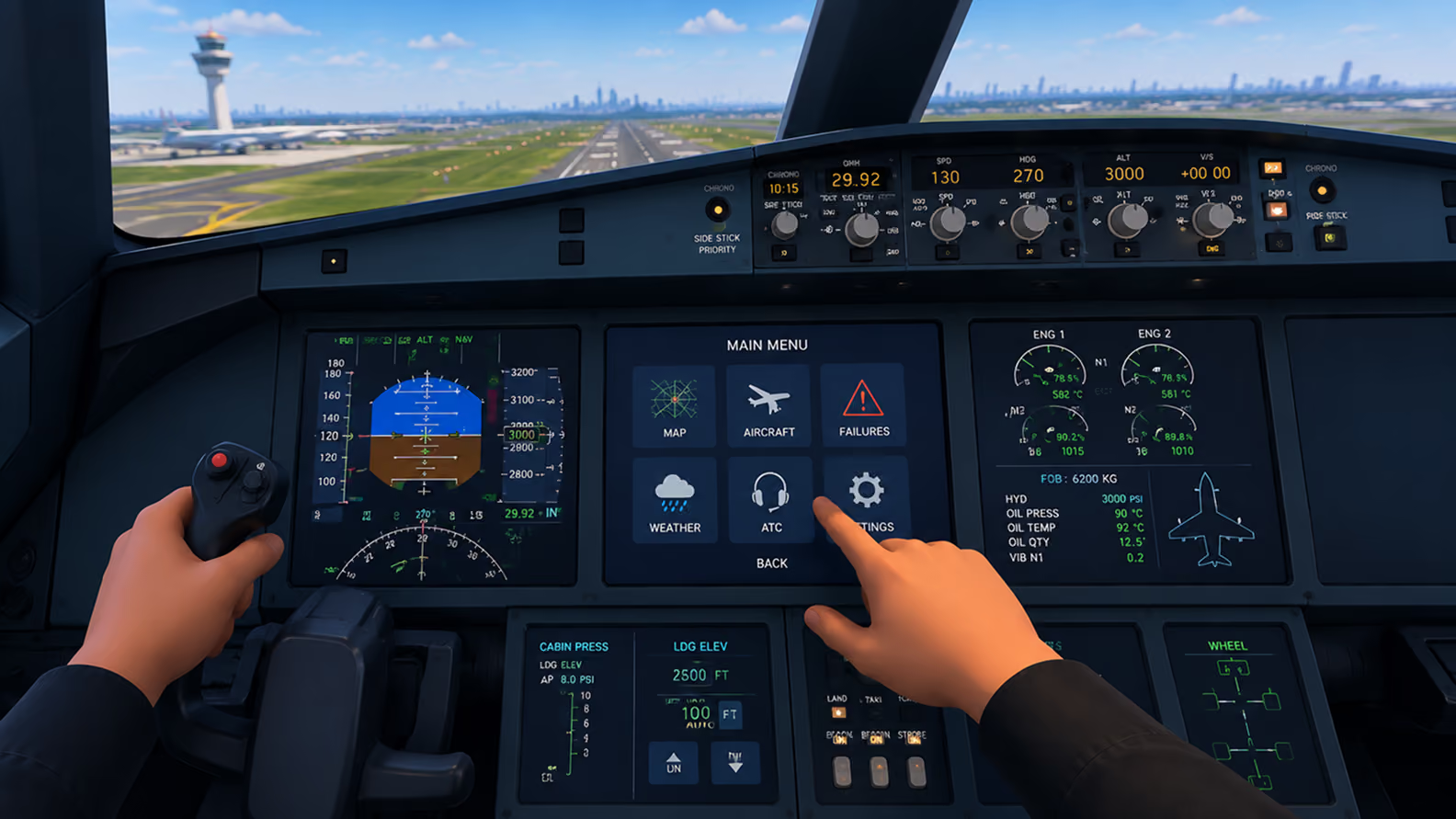
Your Stack to Create, Deploy, Sell and Scale

Create immersive apps with a visual editor and optional scripting—right in your browser.

Manage XR events, attendees, and analytics — all from one central dashboard.

Publish XR experiences on any device — mobile, desktop, or headset — zero installs.

Capture engagement, behavior, and session data across all XR environments in real time.

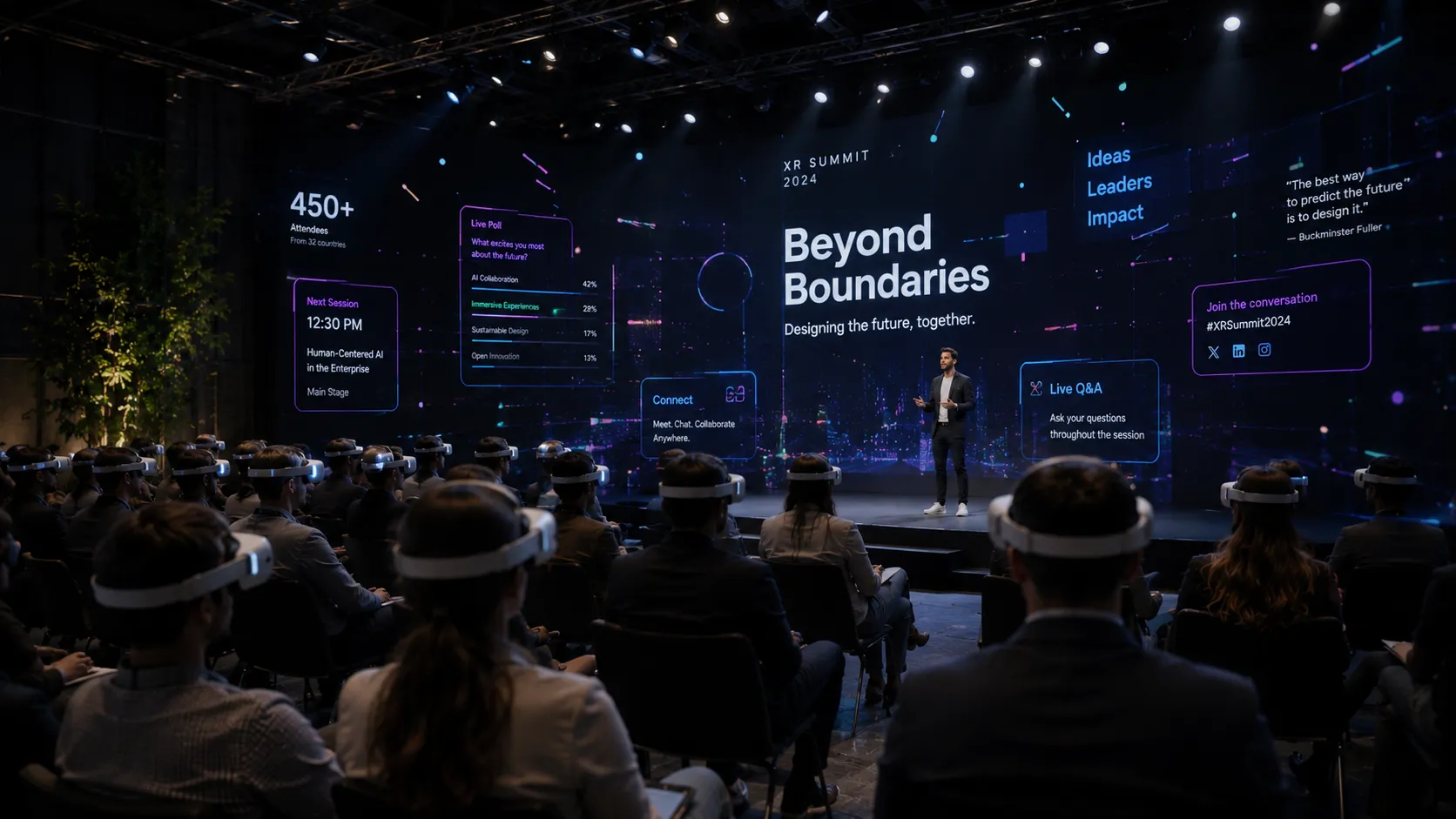
Host immersive conferences, summits, and hybrid events inside branded XR environments.

Reach global audiences with multilingual XR — English, Spanish, Portuguese, and beyond.
A simple way to start
Getting started takes minutes, not months. Sign up, design your world, and go live.
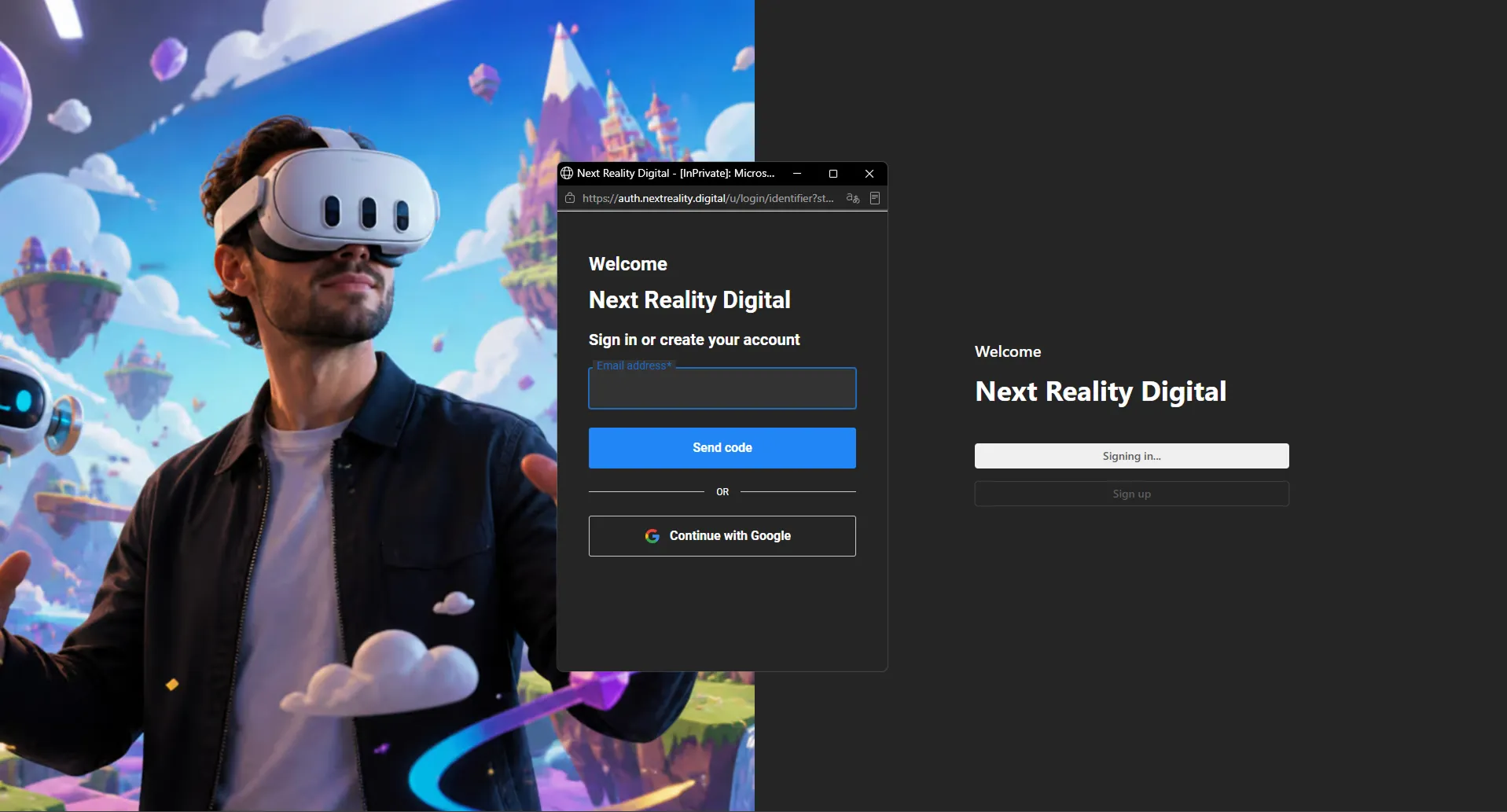
Create your account
Open XRHUB, your control center for programs, learners, and analytics.
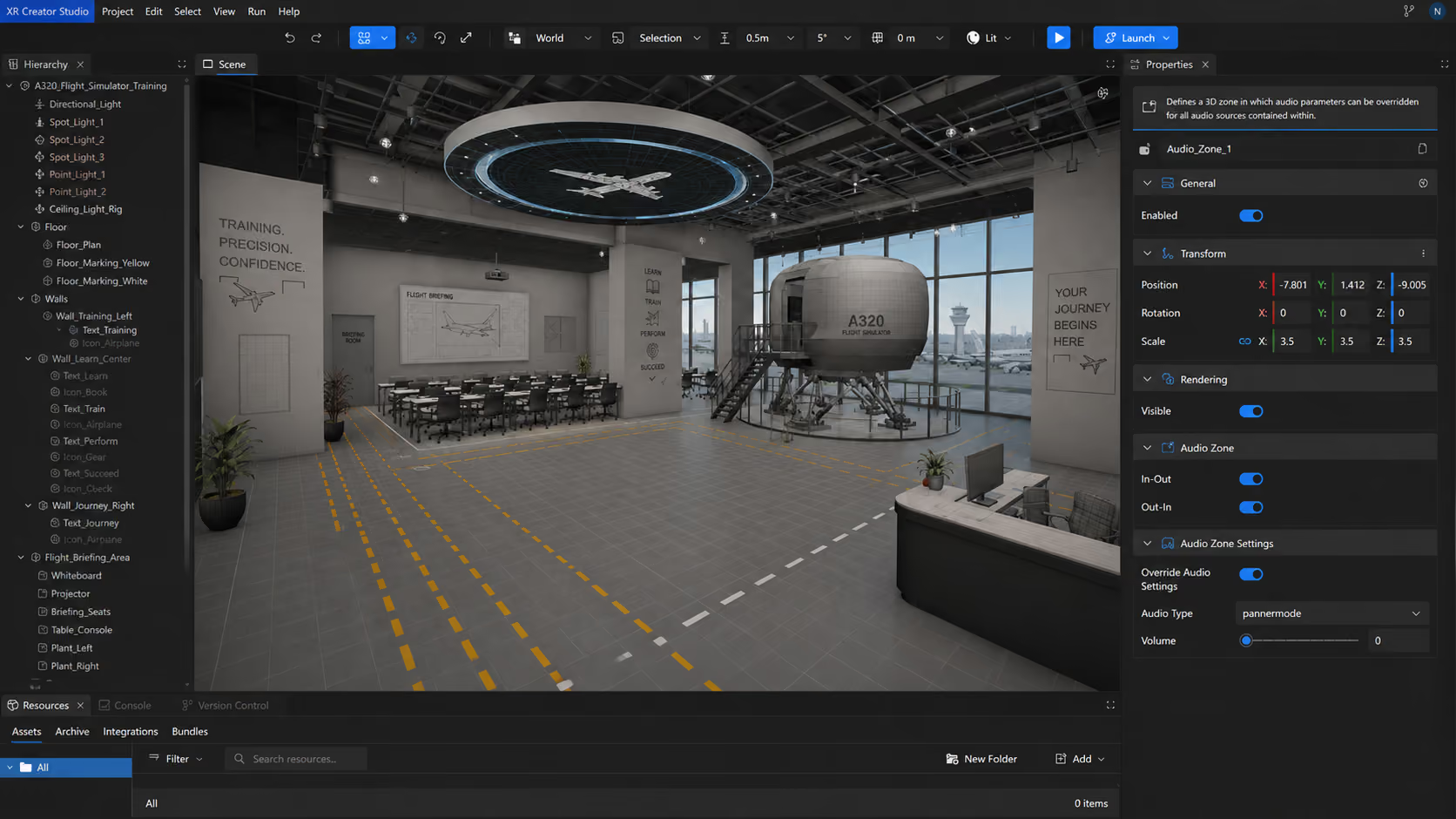
Build your scenario
Import your facility or equipment models (GLB/GLTF/OBJ) into XR Creator Studio and add interactions visually.
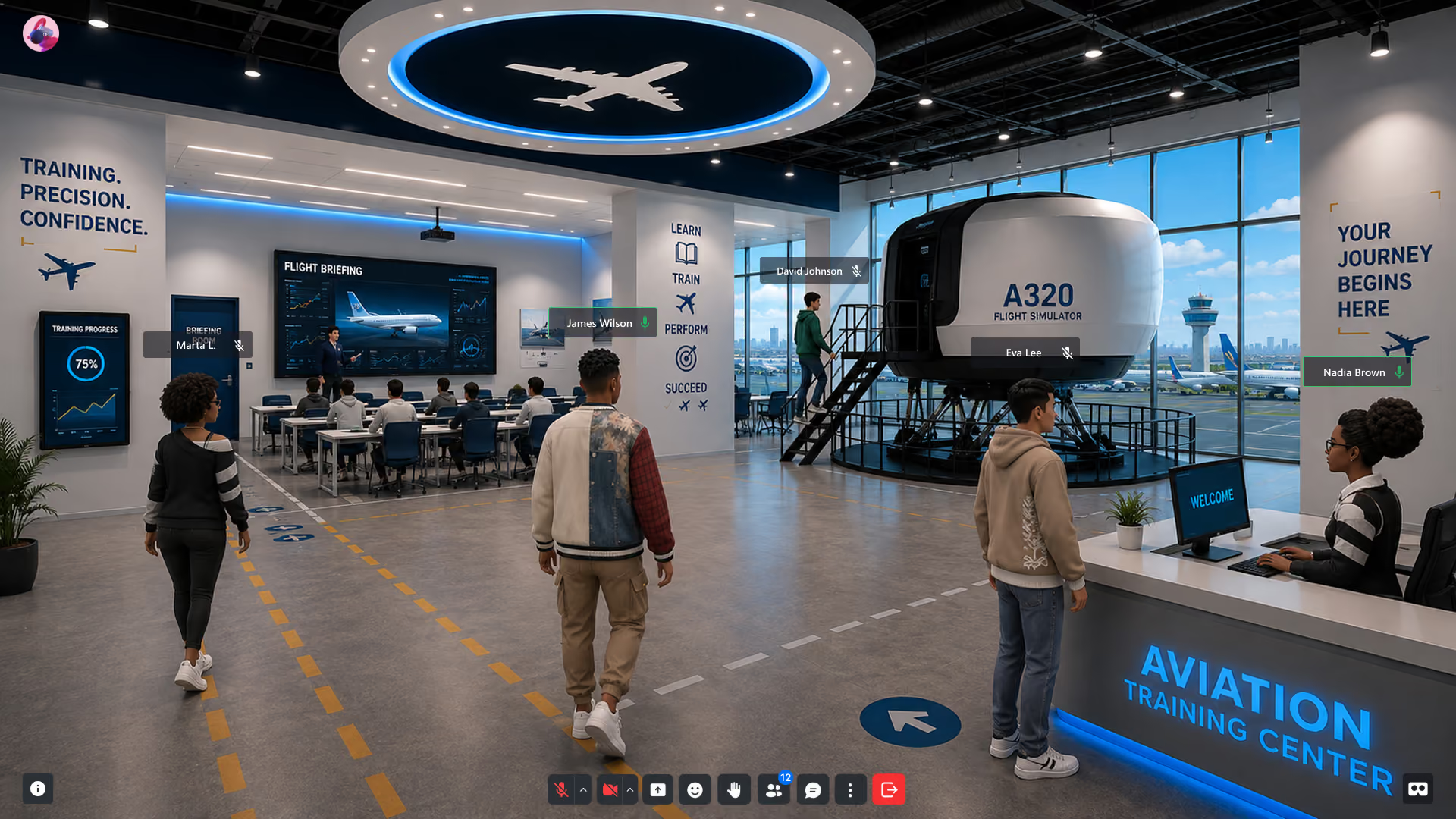
Deploy & Measure
Publish to a live URL, enroll by link, and track completion in real time.
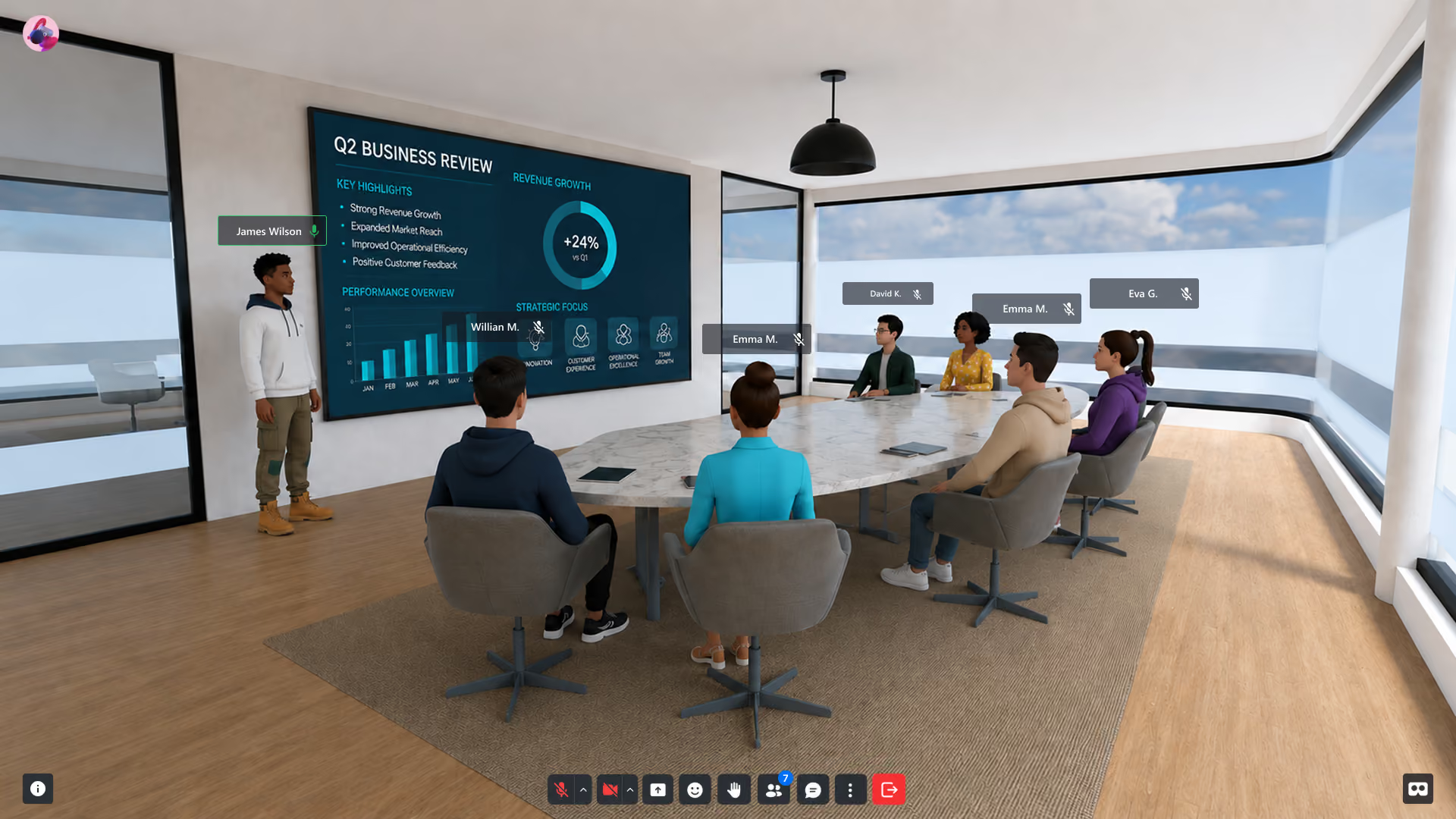
Deliver Branded XR Experiences—Without the Dev Overhead
Create immersive product demos, onboarding flows, virtual showcases, immersive classrooms and training apps in your browser—no installs. Design once, publish everywhere. Track engagement, update in real time.
Your Stack to Create, Deploy, Sell and Scale
Create immersive apps with a visual editor and optional scripting—right in your browser.
Manage XR events, attendees, and analytics — all from one central dashboard.
Publish XR experiences on any device — mobile, desktop, or headset — zero installs.
Capture engagement, behavior, and session data across all XR environments in real time.
Host immersive conferences, summits, and hybrid events inside branded XR environments.
Reach global audiences with multilingual XR — English, Spanish, Portuguese, and beyond.
A simple way to start
Getting started takes minutes, not months. No installs, no dev team required — sign up, design your world, and go live.
Create your account
Sign up in seconds and access your XRHUB dashboard — your control center for managing XR environments, attendees, analytics, and everything in between.
Build your workspace
Use XR Creator Studio, our no-code 3D editor, to design immersive environments tailored to your brand. Add stages, networking zones, and interactive elements visually — no developers needed.
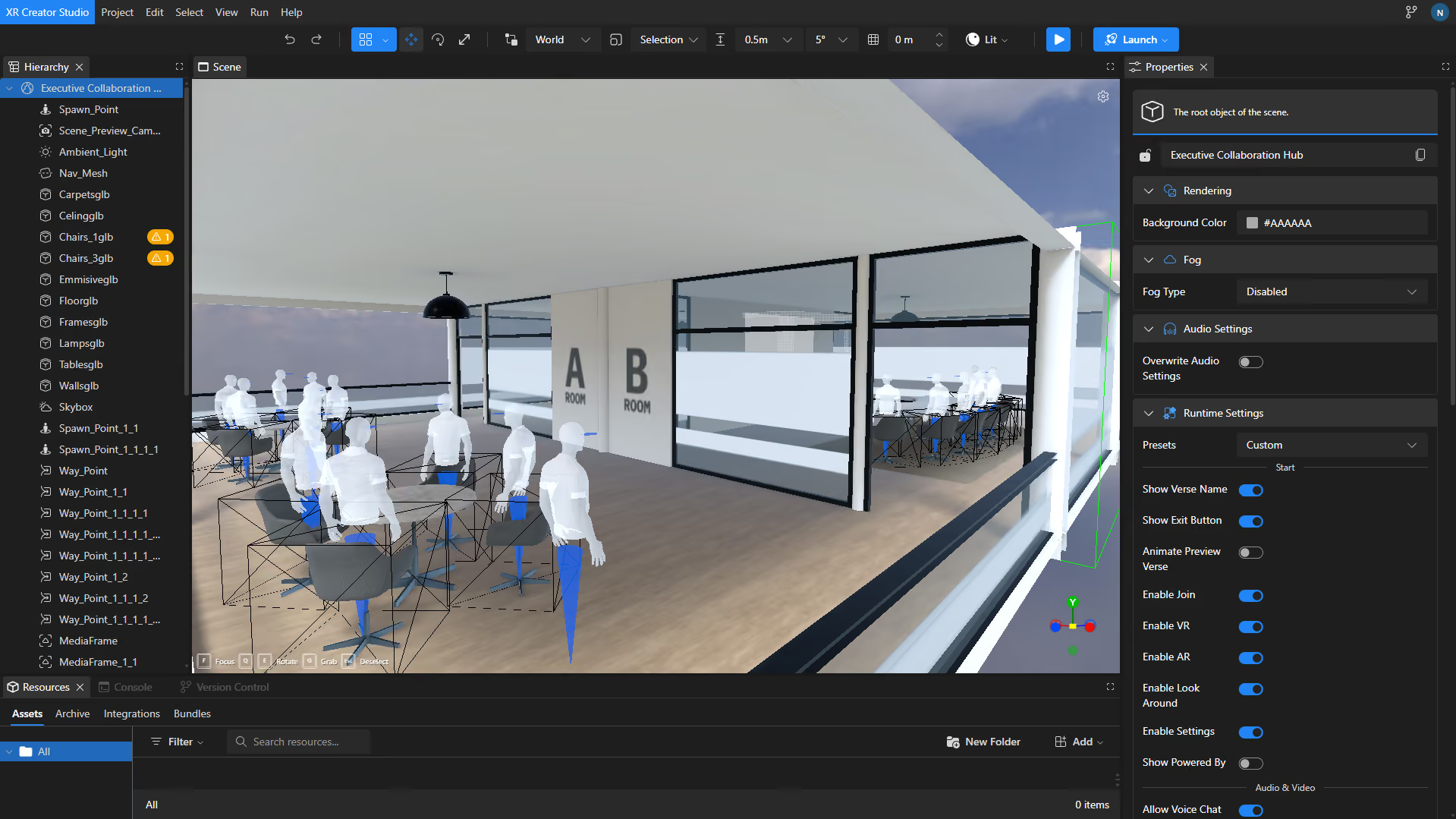
Start Creating &Deploying Immersive Experiences
Publish your Verse — a live XR experience accessible via any browser, no headset required. Share by link, QR code, or embed it anywhere your audience already is.
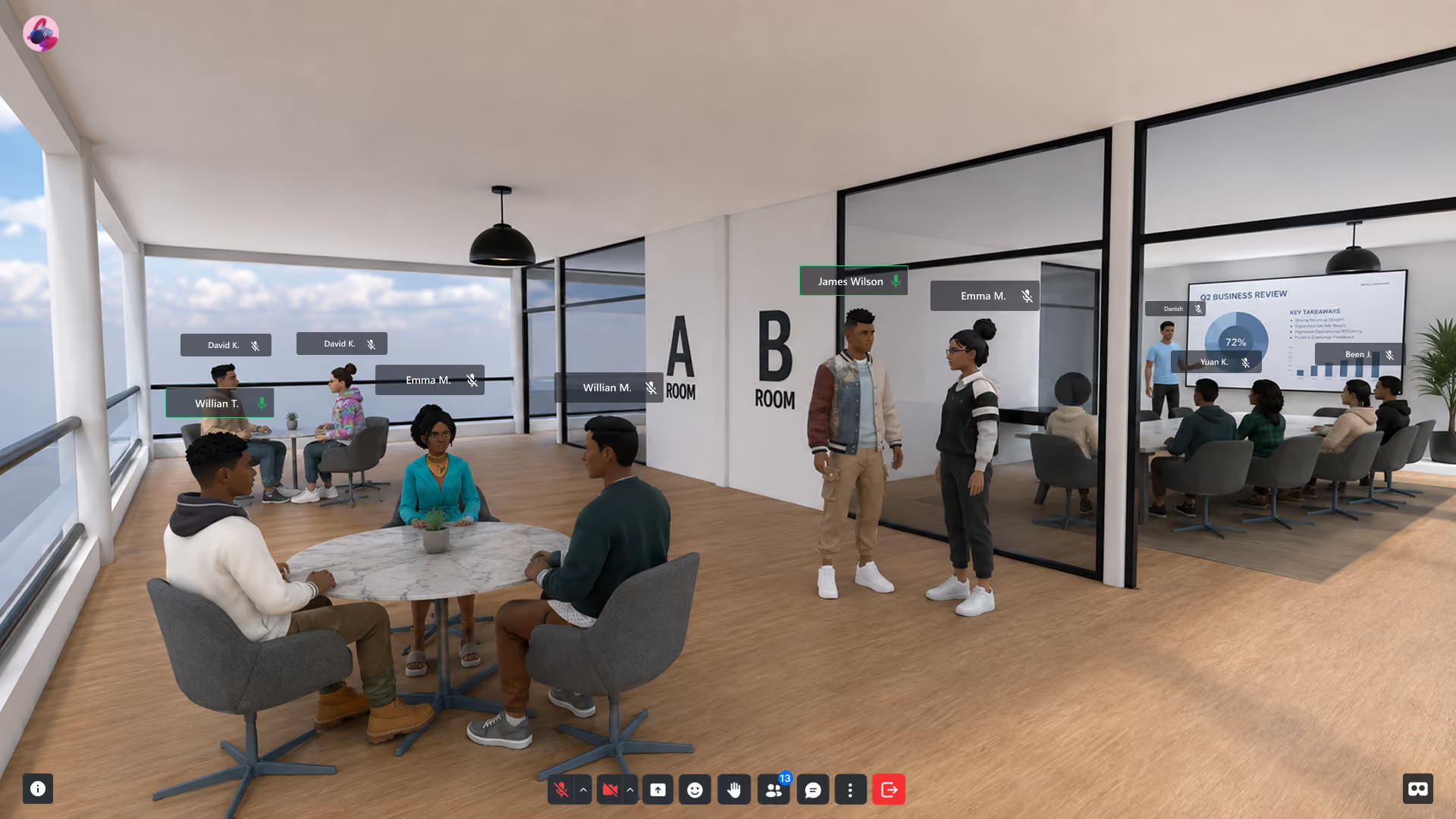
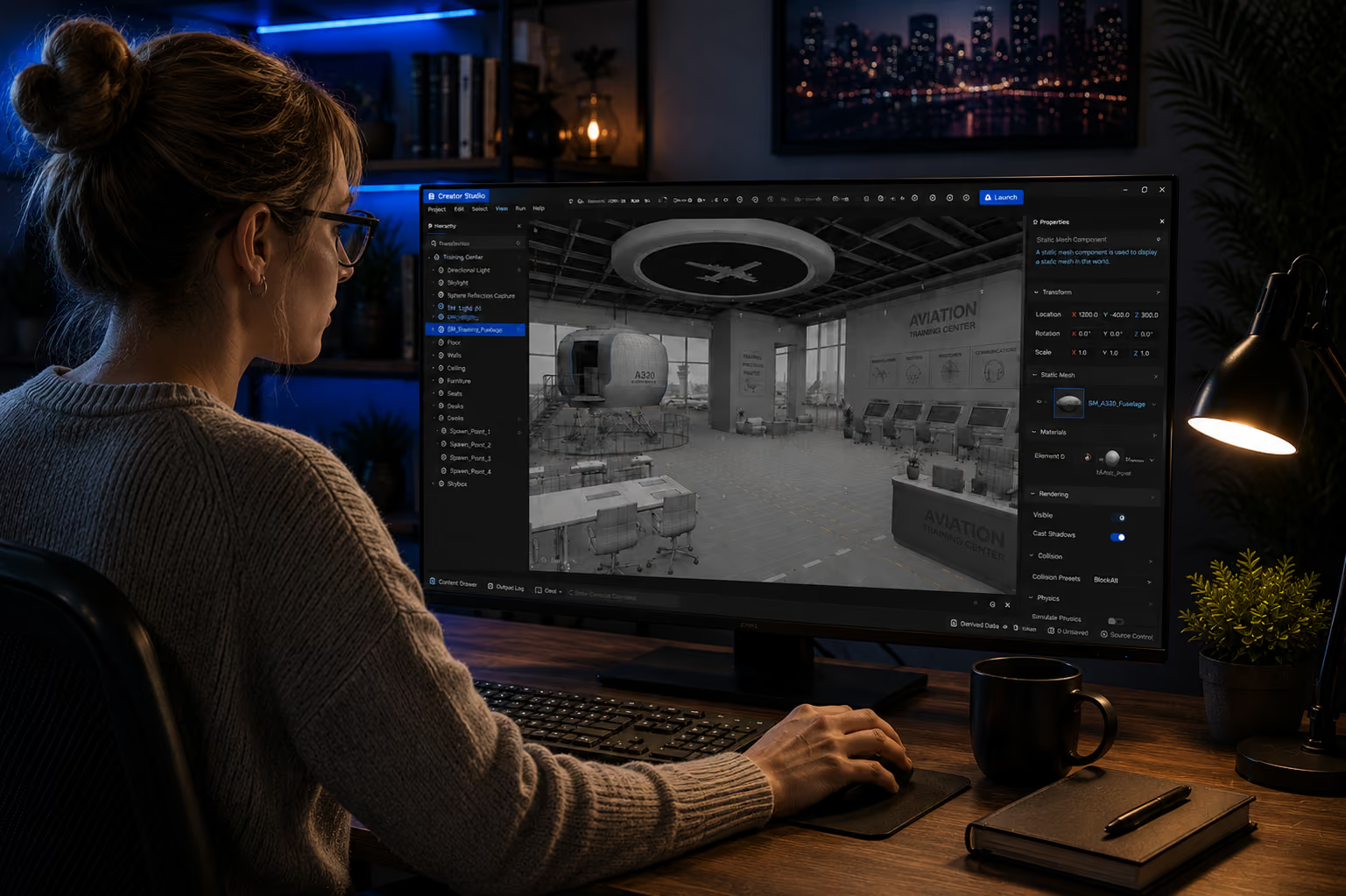
Take Your Training Program Into Spatial Computing
Twenty minutes, your use case, a working training environment on screen — not a slide deck about one.
Frequently asked questions
Common Questions About VR Training
What is virtual reality training?
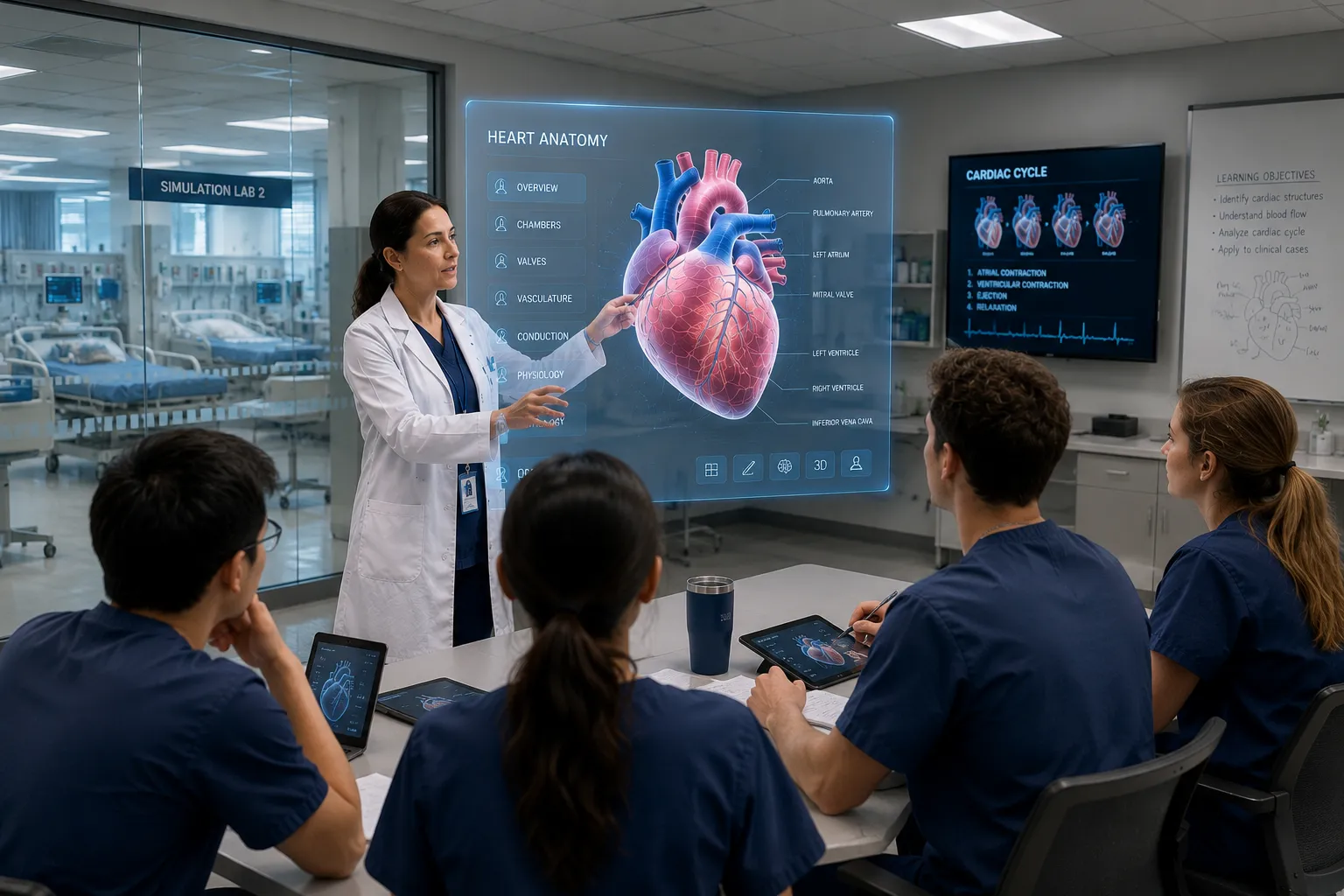
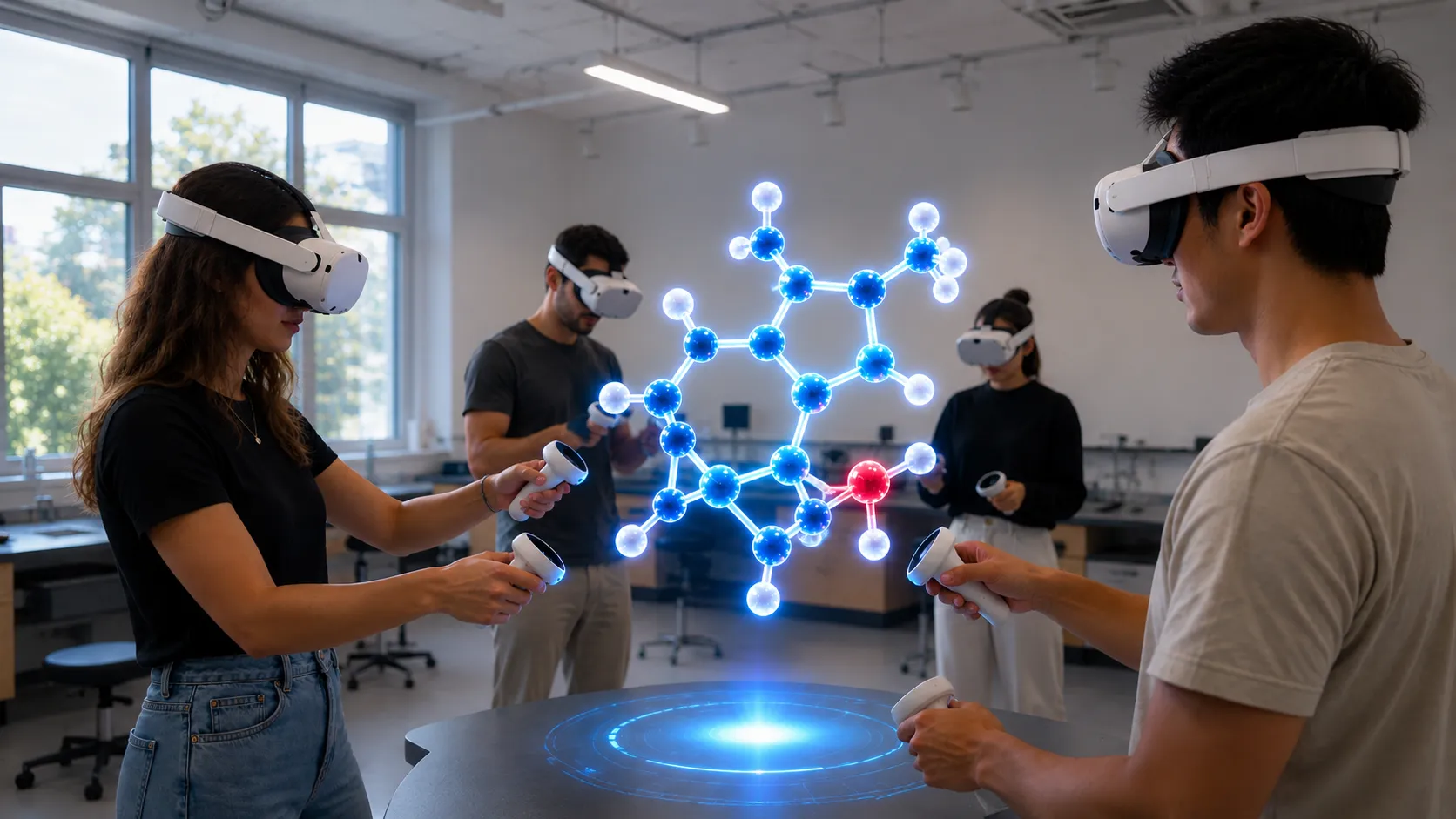
Virtual reality training is skills practice delivered inside interactive 3D simulations, where employees perform tasks rather than watch them. On browser-based platforms like NRD, trainees join scenarios from any device — making VR training deployable across a whole workforce, not just a headset pilot group.
Is VR training effective?
It works best for skills people need to perform, not just recall: trainees rehearse decisions in context and repeat scenarios until responses become automatic. XRHUB Analytics shows engagement and session data for your own program, and browser delivery (no per-seat hardware) lets you roll it out beyond a pilot group.
What is VR safety training?
VR safety training lets employees practice hazardous procedures — confined-space entry, lockout/tagout, emergency evacuation — in a simulation where mistakes cost nothing. Teams repeat scenarios until responses become automatic, without stopping production or exposing anyone to risk.
Do employees need headsets?
No. Every scenario runs in the browser on desktop, mobile, or tablet; headsets are optional for deeper immersion. This is the difference between a 20-person pilot and a 5,000-person rollout.
Can we track training completion?
Yes. XRHUB Analytics tracks active users, session duration, engagement time, and top events per environment — the data L&D needs for completion reporting and program ROI.
How long does it take to build a VR training program?
Weeks, not quarters. XR Creator Studio is no-code — L&D teams import 3D models, place interactions visually, and publish to a staging environment for review before going live.
XR in Training & Simulation
Discover our latest articles on virtual training environments, procedural simulation, and enterprise spatial learning.